 How-to
7 Steps to Use AI for Mindful Eating Habits
Last Updated: November 1, 2026
Quick Summary
To use AI for mindful eating, set one clear goal first, then use real-time prompts before meals to check hunger and fullness and put the phone away while you eat. Choose tools that give guidance without manual logging, and review weekly patterns instead of daily scores.
- Write your goal in one sentence, then judge every AI tool against that sentence.
- A balanced meal combines a protein source, a fiber-rich carbohydrate, and something with color.
- Rate hunger from 1 to 10 before eating; below 4 usually means you are eating for a reason other than fuel.
- Keep reminders short: one pre-meal prompt, one pace reminder, and one weekly review.
- Rate meal satisfaction, fullness awareness, distraction, pace, and trigger awareness from 1 to 5 once a week.
Table of Contents
- Step 1: Set Your Goal and Choose the Right AI Tool
- Step 2: Use AI Meal Recommendations to Build Balanced Meals
- Step 3: Practice Mindful Eating with Real-Time AI Prompts
- Step 4: Use AI for Emotional Eating Awareness, Not Restriction
- Step 5: Let AI Healthy Habit Coaching Handle Reminders and Accountability
- Step 6: Weigh the AI Nutrition Pros and Cons Before You Rely on It
- Step 7: Protect Your Food and Health Data
- Common Mistakes to Avoid When Using AI for Mindful Eating
- Frequently Asked Questions
Step 1: Set Your Goal and Choose the Right AI Tool
The first thing to settle is what you actually want from AI. Mindful eating is not a diet.
Most people skip this step and jump straight to an app. That is a mistake. A calorie-counting tool pushes you toward numbers; a tool built for real-time food decisions pushes you toward better choices in the moment.
Decide your goal first:
- Eat more slowly and notice fullness cues
- Stop eating past comfortable fullness
- Make calmer choices at restaurants
Write it down in one sentence. Then judge every tool against that sentence.
What to Look for in an AI Food Coach
A good AI food coach should reduce effort, not add it. Look for these traits:
- Real-time guidance. It helps while you are deciding what to eat, not hours later.
- No manual logging. Logging turns meals into a spreadsheet and pulls attention away from the food.
- Personalization. Recommendations should reflect your goal, not a generic diet.
A tool built around this idea points your camera at a menu, a plate, or your fridge and gives a recommendation tied to your goal. Look for one that needs no account and no logging, which matters if past apps never stuck.
Step 2: Use AI Meal Recommendations to Build Balanced Meals
AI meal recommendations work best as a starting point, not a verdict. The tool suggests a mix. You still decide.
A balanced meal usually combines a protein source, a fiber-rich carbohydrate, and something with color. That structure holds whether you are cooking or ordering. Protein and fiber support fullness, which is the whole point of eating mindfully.
Ask the tool for meal ideas based on what you already have. Then check the plate yourself:
- Is there a protein?
- Is there a vegetable or fruit?
- Is the portion size one you would choose without a screen telling you to?
If the answer is no, adjust. The AI is a second opinion, not the boss.
From Pantry Scan to Plate: A Simple Meal Workflow
Here is a workflow that takes about two minutes:
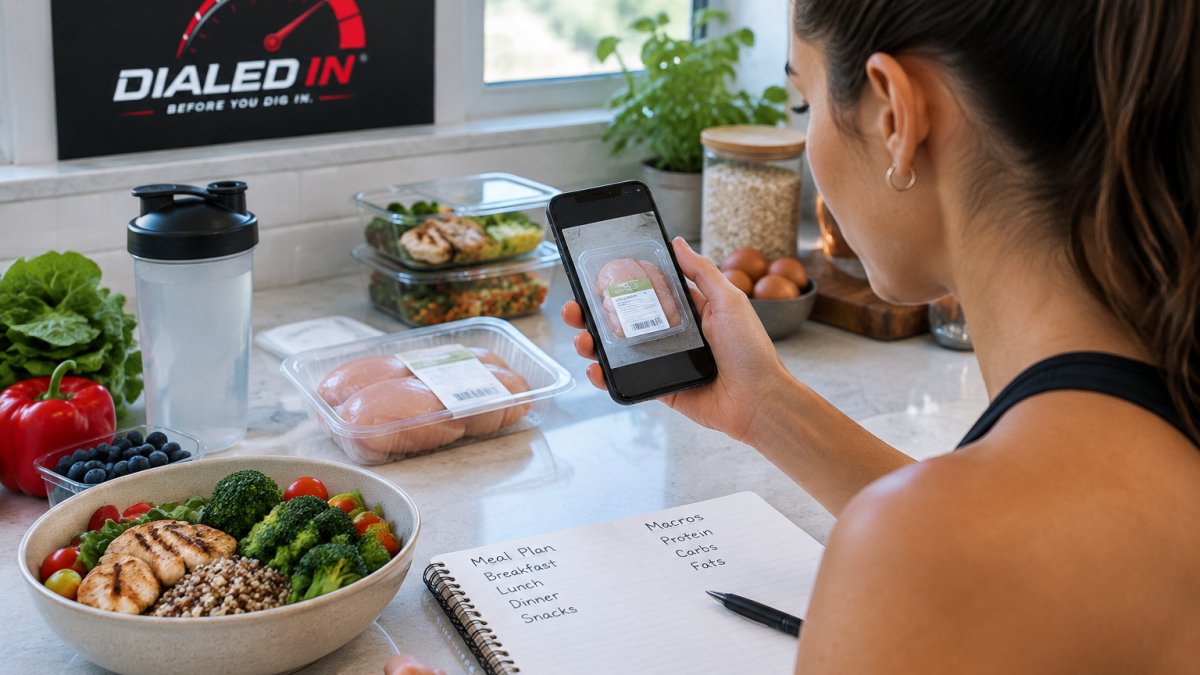
- Scan the fridge or pantry.
- Tell the tool your goal in one line: build muscle, hold weight, or eat lighter.
- Read the top two suggestions and pick the one you actually want.
- Cook or assemble it, then sit down without your phone.
- Note how you feel 20 minutes after eating.
That last step is where the habit forms. The scan is fast. The pause afterward is the mindful part.
Step 3: Practice Mindful Eating with Real-Time AI Prompts
Real-time prompts can bridge AI and mindful eating. The trick is to use them before the first bite, then put the phone away.
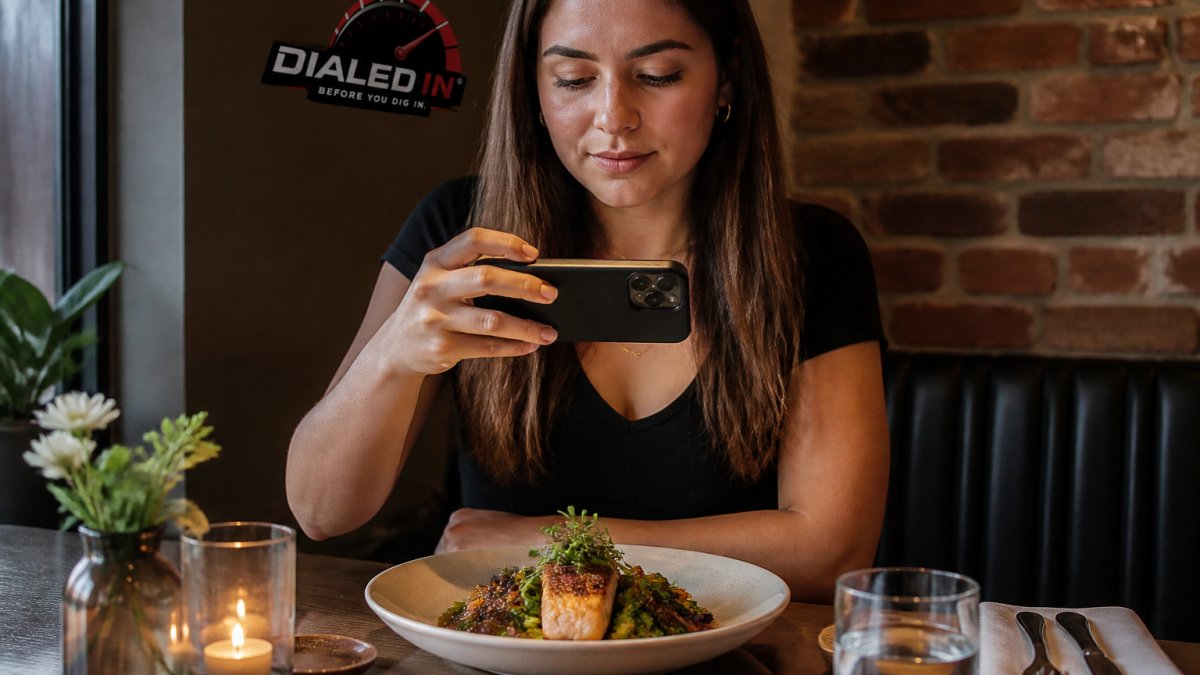
Try this at your next meal. Before eating, ask the tool one question about the dish. Then set the phone down and eat slowly.
If you want more structured exercises to pair with these prompts, this guide on how to practice mindful eating as a busy professional walks through short techniques you can fit into a workday.
The prompts should serve the meal. If checking the app becomes its own distraction, you have flipped the order.
Step 4: Use AI for Emotional Eating Awareness, Not Restriction
AI for emotional eating should help you notice patterns, not police them. That distinction decides whether the habit lasts, and for some people, whether the tool is safe to use at all.
Many people eat past fullness because of stress, boredom, or habit. A good tool helps you spot the trigger. A bad one tells you to eat less and calls it discipline.
A Concrete Pre-Meal Check-In
Use the tool to ask one question before you eat: am I hungry, or am I something else? Then act on the honest answer. A useful way to make that question specific is to run a 30-second check:
- Rate hunger from 1 to 10. Below 4 usually means you are eating for a reason other than fuel.
- Name the feeling. Stressed, bored, lonely, tired, celebratory. Naming it separates the feeling from the food.
- Pick one action. If hungry, eat a balanced meal. If stressed, take a five-minute walk or call someone. If bored, switch tasks for ten minutes and re-check.
- Re-check hunger after the action. If it is still low, eat anyway, that is allowed, and it is data, not failure.
A common pattern is that the craving fades within ten minutes when the underlying need gets met another way. When it does not fade, the hunger was real. Either outcome is useful information.
What AI Can and Cannot See
AI is good at spotting patterns across weeks: late-night eating after short sleep, skipped lunches followed by fast dinners, weekend grazing that starts after a specific trigger.
AI cannot see the feeling behind the eating. It sees the photo, the time, and the description. You supply the context.
Tracking and recommendations can encourage rigid rules or worsen food anxiety for some people. Watch for these signs and pause the tool if they appear:
- You feel guilty or anxious when you cannot log or scan a meal
- You start skipping meals or cutting food groups the tool did not tell you to cut
- You weigh or measure food more often than feels reasonable
These signs are not a reason to feel ashamed. They are a reason to talk to a qualified professional, a physician, a registered dietitian, or a therapist who works with disordered eating.
If you have a history of an eating disorder or a medical diet, talk to your care team before using any food-tracking or recommendation tool.
Keep the Tool Non-Restrictive
A few boundaries keep AI in the awareness lane:
- No calorie or macro targets unless a clinician set them. Mindful eating is about cues, not quotas.
- No 'good' and 'bad' food labels. If the tool uses them, ignore that framing.
- No daily scores. Weekly pattern reviews are enough.
For practical tactics on catching these moments at home, this guide on using AI to prevent overeating at home covers the common triggers and what to do instead.
Watch out: if an app starts making you feel guilty about food, stop using that feature. Guilt is not a mindful eating tool.
Step 5: Let AI Healthy Habit Coaching Handle Reminders and Accountability
AI healthy habit coaching is best at the boring parts: reminders, timing, and follow-up, exactly where most habits fall apart. Design nudges so they support attention to meals rather than replace it, and measure progress in ways that do not turn eating into a score.
Design Nudges Around Moments, Not Days
Set the tool to nudge you at the moments that matter, not all day. A workable starter set:
- One pre-meal prompt. A single question before lunch: 'Hungry, or something else?'
- One pace reminder. A prompt at dinner to slow down and put the fork down between bites.
- One weekly review. A short check-in on how meals went, not on what you ate.
Keep the list short. Three reminders beat fifteen. If a nudge stops being useful, delete it. The goal is a lighter cognitive load, not a busier phone.
Measure Progress Without Calorie Fixation
Calorie counts and macro totals are the default metrics in most apps, and they are the wrong scoreboard for mindful eating. Use non-restrictive indicators instead. A simple weekly review can ask:
- Meal satisfaction. How many meals this week felt calm and enjoyable?
- Hunger and fullness awareness. How often did you notice fullness before you stopped eating?
- Distraction level. How many meals happened without a screen or a rush?
Rate each from 1 to 5 once a week. The number itself matters less than the trend. Two calm meals this week and four next week is progress, even if the scale or a calorie app says nothing changed.
Ask the AI to summarize the week in three lines: which meals felt calm, where you ate past fullness, and what made the good meals easier. Then pick one thing to adjust for the next week. Small changes hold. Big overhauls collapse.
Accountability That Does Not Become a Score
Accountability works better when it is light. A short weekly review of what went well is more useful than a daily score. Ask yourself:
- Which meals felt calm?
- Where did I eat past fullness?
- What made the good meals easier?
Then adjust one thing for the next week. If the tool offers streaks, badges, or daily grades, turn them off. Those mechanics reward logging, not attention, and pull the habit back toward the screen.
When to Step Back
If the coaching starts to feel like surveillance, reminders that make you anxious, reviews that make you feel judged, cut the frequency or stop. Habit coaching should reduce effort, not add stress. The same warning signs from the emotional eating section apply: guilt, rigidity, and food anxiety are signals to pause the tool and, if they persist, talk to a qualified professional.
A simple weekly review can rate these non-restrictive indicators from 1 to 5.
| Indicator | What to ask | How to rate |
|---|---|---|
| Meal satisfaction | How many meals felt calm and enjoyable? | 1 to 5 once a week |
| Hunger and fullness awareness | How often did you notice fullness before stopping? | 1 to 5 once a week |
| Distraction level | How many meals happened without a screen or rush? | 1 to 5 once a week |
| Pace | Did you finish at roughly the same time as others? | 1 to 5 once a week |
| Trigger awareness | Did you notice emotional eating moments? | 1 to 5 once a week |
Step 6: Weigh the AI Nutrition Pros and Cons Before You Rely on It
The AI nutrition pros and cons are real, and pretending otherwise is how people get burned. AI is fast, consistent, and available at the exact moment you need a decision.
Pros:
- Instant guidance at restaurants and at home
- No logging, so the habit is easier to keep
- Personalized to your goal
Cons:
- It can be wrong about a dish's contents
- It does not know your full health history
- It can reflect bias in its training data
The last point matters most. For anyone with a health condition, a history of disordered eating, or a medical diet, a doctor or registered dietitian should guide the plan. AI can support that work.
How to Check AI Advice for Accuracy and Bias
Run every recommendation through three quick filters:
- Does it match what is on the plate? If the tool misreads the dish, the advice is off.
- Does it push restriction? Advice that always says eat less is a red flag.
- Does it fit your goal? A muscle-building goal and a weight-hold goal need different meals.
If you want a fuller look at safety before you lean on these tools, this guide on whether AI nutrition coaching is safe covers the risks and the guardrails.
Step 7: Protect Your Food and Health Data
Food photos and health details are sensitive. Treat them that way.
Before you install any tool, find out three things: what it stores, how long it keeps it, and who can see it. A tool that needs no account often stores less, which lowers your exposure. Read the privacy policy, even briefly. Look for plain language about photo handling and deletion.
A few habits keep you safer:
- Avoid sharing photos that show your location or other people
- Use a tool with clear data rules
- Delete old data you no longer need
For a deeper explanation of how these apps handle your information, this guide on AI food tracking privacy breaks down what to check.
Common Mistakes to Avoid When Using AI for Mindful Eating
The biggest mistake is turning a mindful practice into a scoring exercise.
Other common errors:
- Checking the app during the meal. Use it before, then put it down.
- Trusting portion estimates blindly. AI can misjudge a dish.
- Letting the tool decide instead of inform. You still choose.
If you are torn between tracking and attention, this comparison of calorie counting vs. mindful eating shows where each approach helps and where it hurts.
A common mistake is chasing precision. Mindful eating is about attention, not perfect data.
The hard part is not finding an app. It is keeping the habit when life gets busy and meals happen on the go.
Frequently Asked Questions
How can AI help you eat more mindfully?
AI can prompt you to slow down, notice hunger and fullness cues, and check portion size before you start eating. A camera-based coach like Dialed In can suggest adjustments for a plate or menu, which creates a natural pause before the first bite. That pause is where mindful eating begins: you notice what you are about to eat, why you chose it, and how hungry you actually are instead of eating on autopilot.
Can AI help with emotional eating?
AI for emotional eating works best as an awareness tool, not a restriction tool. It can flag patterns, such as reaching for snacks late at night or ordering more when stressed, and offer a short check-in prompt before you eat. It cannot diagnose or treat an eating disorder. If food feels tied to distress or you have a history of disordered eating, use any AI tool alongside professional guidance from a licensed clinician or registered dietitian.
How do you use AI without tracking every calorie?
Point your camera at the meal, read the recommendation, and act on it. You do not need to log grams or keep a spreadsheet. Focus on meal composition instead: is there protein, fiber, and a vegetable on the plate? Dialed In is built around that model, giving real-time suggestions based on your goal rather than a daily calorie ledger. Fewer numbers, more decisions made well.
What are the pros and cons of AI nutrition advice?
Pros include speed, personalization, and consistency: AI meal recommendations can fit your goals and available ingredients in seconds. Cons include variable accuracy on unfamiliar dishes, limited context about medical conditions, and privacy questions around food photos. Treat AI as a second opinion, verify claims that affect your health with a clinician, and check the app's data policy before you point a camera at your fridge.