 How-to
Common Challenges in Automated Dietary Logging
Last Updated: November 5, 2026
Quick Summary
Common challenges in automated dietary logging include food recognition and portion-size estimation errors, nutrient database coverage and data quality gaps, and human barriers such as privacy concerns and habit drop-off. Recognition errors are the largest single source of error, since a photo cannot measure weight, oil content, or cooking method. Accuracy also depends on the user correcting draft entries rather than trusting them.
- Recognition errors are the largest single source of error in automated dietary logging.
- A single camera image loses depth cues, so portion volume is inferred rather than measured.
- Treat recognition output as a draft entry to be corrected, not a final result.
- Check whether a database record states raw versus cooked and edible versus as-served portions.
- Manual logging wins on accuracy while automated logging wins on consistency, so a hybrid approach works.
Table of Contents
- Why Automated Dietary Logging Falls Short of the Hype
- Food Recognition and Portion-Size Estimation Errors
- How Accurate Is AI Food Tracking Accuracy in Practice?
- The Limits of Food Photo Calorie Estimation
- AI Portion Size Estimation: Why Your Bowl Looks Bigger Than It Is
- Nutrient Database Coverage and Data Quality Gaps
- Manual vs. Automated Food Tracking: When Each One Wins
- User Behavior, Privacy, and Accessibility Barriers
- Frequently Asked Questions
Why Automated Dietary Logging Falls Short of the Hype
Automated dietary logging is the use of AI, cameras, and databases to record what you eat without manual entry. It promises to end tedious calorie counting. In practice, the technology still stumbles in predictable ways. This guide breaks down the most common challenges, so you know what to expect before you trust any app with your goals.
The core problem is simple: food is messy, and software likes clean data. A photo shows pixels, not grams of protein. The gap between what a camera sees and what actually lands on your plate is where most automated dietary logging fails.
Below, we'll walk through each failure mode and show you what to do about it. The goal isn't to dismiss the tech. It's to use it with clear eyes.
Food Recognition and Portion-Size Estimation Errors
Recognition errors are the largest single source of error in automated dietary logging, and they come from two separate steps that users often conflate: identifying what the food is, and estimating how much of it is there. Each step fails for different reasons, and each needs a different correction.
The identification step usually runs as image classification or object detection. A model trained on labeled food photos assigns a probability to each candidate food. A burrito bowl with layered components, a sauce-heavy curry, or a mixed salad defeats this because the model was trained on single-item images.
Portion estimation is a separate model problem. A single camera image is a projection of a three-dimensional plate onto two dimensions, so depth cues are lost. A small bowl photographed close up and a large bowl photographed from farther away can produce nearly identical pixels.
Common recognition and portion failures include:
- Mixed dishes where ingredients blend together and the model sees one texture
- Oils, butter, and dressings that add large calorie loads but almost no visual signal
- Similar-looking foods, such as rice versus quinoa or mashed potato versus cauliflower
- Garnishes, sides, and beverages that get missed entirely because they sit at the frame edge
- Amorphous foods, such as soups and stews, where portion is a volume judgment with no clear boundary
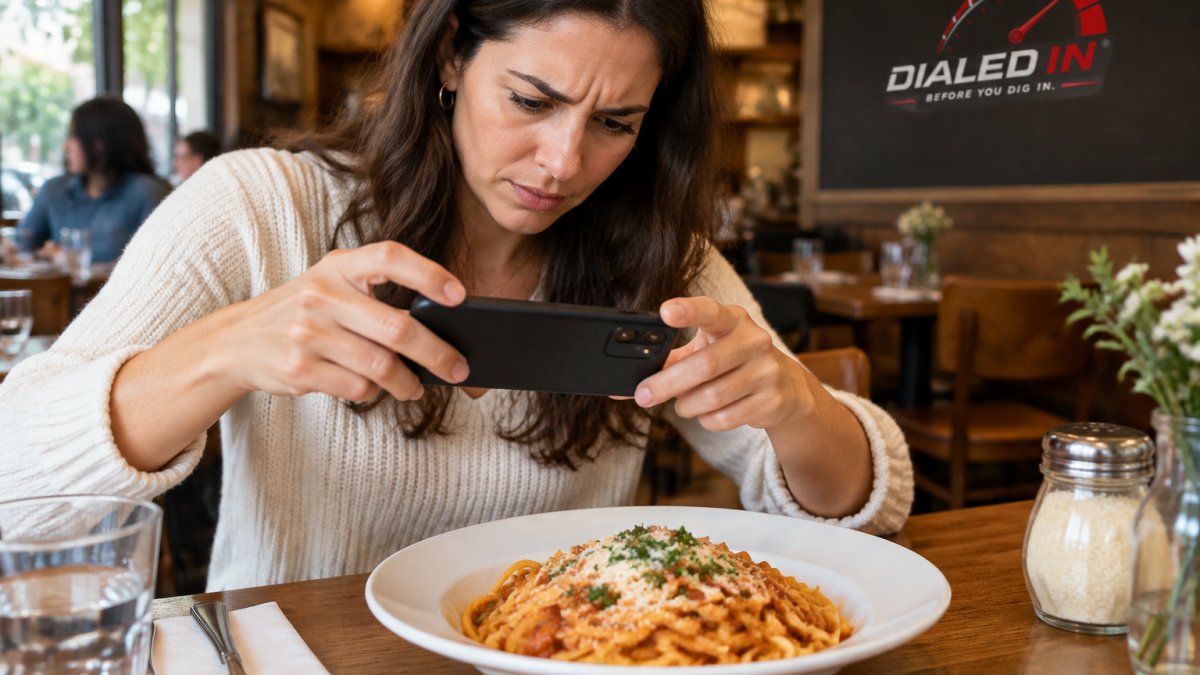
The correction step is where accuracy actually lives or dies. Most apps let you edit an entry after logging, but the edit screen is often buried and the portion slider is coarse.
A useful mental model is that the app gives you a draft entry, not a final one. Readers who want to understand how recognition works under the hood can read how AI food scanner accuracy is explained.
How Accurate Is AI Food Tracking Accuracy in Practice?
AI food tracking accuracy is best described as a range, not a fixed number. Results swing widely based on food type, photo quality, and whether the user corrects mistakes. A single number can't capture that variation honestly.
A common pattern: the tech performs well on simple, single-item foods. An apple, a banana, a plain chicken breast. Accuracy drops fast with complex meals. A curry with five ingredients, a salad with a heavy dressing, a casserole. That's the honest picture.
What most guides miss is that accuracy depends on the user as much as the model. A careful photo taken from directly above, with good light, beats a rushed snapshot every time. The tool is only half the equation.
For a deeper look at benchmarks, this guide to AI food scanner accuracy covers the practical numbers.
The Limits of Food Photo Calorie Estimation
Food photo calorie estimation has a hard ceiling. A photo cannot measure weight, oil content, or cooking method. Two identical-looking chicken breasts can differ by a wide margin depending on whether one is grilled and the other pan-fried in butter. The camera sees neither.
This is the part most people get wrong. They assume the app knows the calories. It doesn't. It estimates them from visual cues and a database. The estimate is a starting point, not a verdict.
Watch out: treating a photo estimate as exact can quietly wreck a calorie deficit. Small errors add up over a week.
What helps:
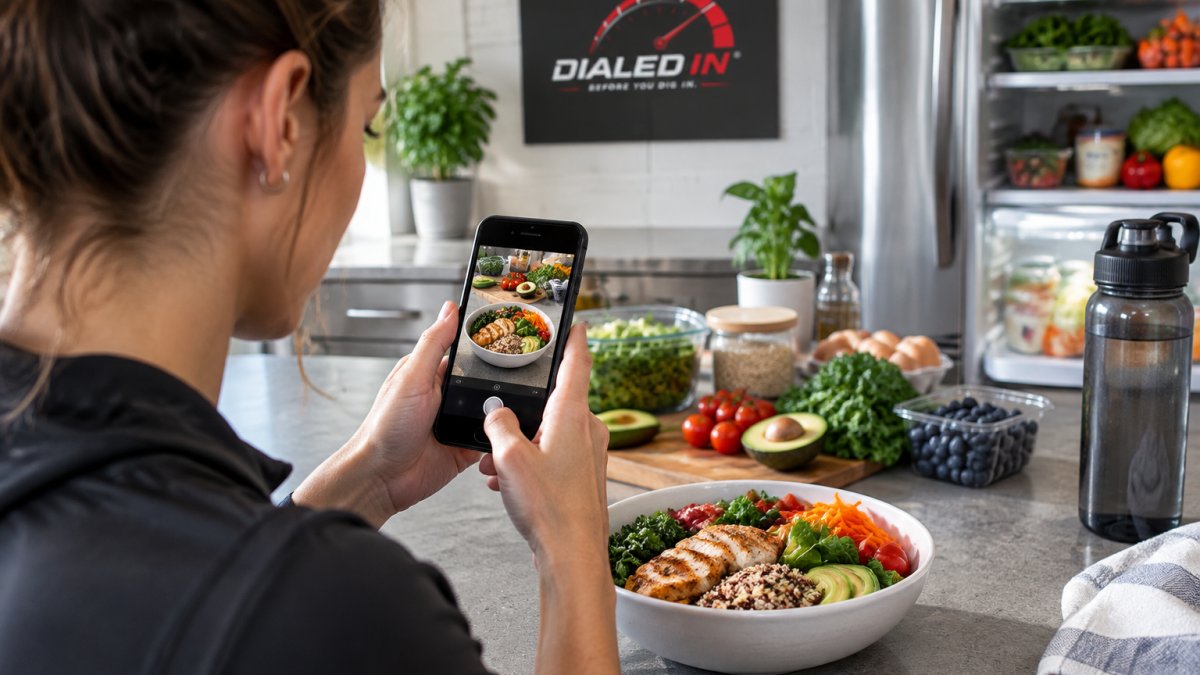
- Photograph food from directly above
- Include a reference object for scale when possible
- Correct obvious misses, like a forgotten sauce
- Treat the number as a rough guide
If you want to close the accuracy gap, these steps to improve AI food scanner accuracy give you a practical routine.
AI Portion Size Estimation: Why Your Bowl Looks Bigger Than It Is
AI portion size estimation runs into a well-known visual illusion. Without depth cues, the camera misjudges volume. A wide, shallow bowl reads as smaller than a narrow, deep one holding the same amount. Your bowl looks bigger or smaller than it truly is, and the calorie estimate follows the error.
The fix is partly technical and partly human. Some apps ask for a second photo from a different angle. Others let you adjust the portion with a slider. The adjustment step matters more than most users realize.
A common mistake is skipping that slider because it feels tedious. That's exactly where the biggest errors hide. A few seconds of adjustment can pull an estimate back into a useful range.
Nutrient Database Coverage and Data Quality Gaps
Even a perfect photo hits a wall at the database. Automated dietary logging depends on nutrient databases, and those databases differ in coverage, sourcing, and update cadence in ways that directly change your totals.
Coverage gaps show up first. Regional dishes, restaurant-specific recipes, and homemade meals often are not listed, so the app substitutes the closest match. That substitution can be far off: a home-cooked stew logged against a canned-soup entry may miss the added oil and the larger portion.
Data quality is the second problem, and it is less visible. Two databases can list different calorie counts for the same food because they differ in how the food was prepared, whether the value is raw or cooked, whether edible portions or as-served portions are reported, and how often records are updated.
A practical way to judge a database is to check four things before trusting an entry:
- Whether the record states raw versus cooked, and edible portion versus as-served
- Whether the source is a national nutrient reference, a manufacturer label, or user-submitted data
- Whether the record has been updated recently, since reformulations and label changes go stale
- Whether the app lets you enter custom foods and save them for reuse
Validation is the step most users skip. When accuracy matters, compare an automated entry against the package label for packaged foods, against the recipe's ingredient list for homemade meals, and against a dietitian-reviewed record for recurring dishes.
Watch out: assuming a missing food was logged correctly because the app accepted the closest match. The substitution is silent, and the error persists in every future log of that meal unless you create a custom entry.
Manual vs. Automated Food Tracking: When Each One Wins
Manual vs. automated food tracking isn't a clean win for either side. Each works better in different situations.
Manual logging wins when accuracy is critical. Weighed portions, precise macros, competition prep. If you need exact numbers, typing them in still beats a photo guess.
Automated logging wins on consistency. The best log is the one you actually keep. Manual tracking collapses for most people within weeks. Automated logging removes the friction that kills the habit.
A common approach is a hybrid. Use automation for everyday meals and switch to manual entry for the dishes that matter most. That balance keeps effort low and accuracy high where it counts.
This comparison of AI nutrition coaching and manual logging digs into the trade-off in more detail.
User Behavior, Privacy, and Accessibility Barriers
The final challenge isn't technical. It's human. Automated dietary logging asks people to photograph everything they eat. That habit is hard to sustain, and it raises real concerns.
Privacy tops the list. Users want to know where their food images go and who can see them. A camera pointed at every meal captures more than food. It captures location, routine, and lifestyle. Reputable apps publish clear data policies. Guidance from the U.S. Federal Trade Commission on mobile app privacy explains what protections consumers should expect.
Accessibility is another barrier. Not everyone can photograph food easily. Lighting, hand mobility, and phone quality all affect results. Apps that ignore this exclude real users.
Behavior is the quiet killer. Novelty fades. A tool that feels like a chore gets abandoned. The apps that stick are the ones that fit into existing routines without adding work.
For readers concerned about data handling, this explanation of AI food tracking privacy covers what to check.
| Challenge | What Goes Wrong | Practical Fix |
|---|---|---|
| Food recognition | Mixed dishes misidentified | Correct entries after logging |
| Portion estimation | Camera misjudges volume | Adjust with the slider, shoot from above |
| Database gaps | Missing or mismatched foods | Enter custom foods |
| Manual vs. automated | Accuracy vs. consistency trade-off | Hybrid approach |
| Privacy and behavior | Data concerns, habit drop-off | Check policies, pick low-friction tools |
The challenges in automated dietary logging are real, but they're manageable. The smarter path is to skip the logging grind entirely and make better decisions before the food hits your plate. Dialed In is built for exactly that. It offers real-time AI food decision coaching, works on any menu, meal, or refrigerator item, and needs no account or manual logging to get started.
Frequently Asked Questions
How accurate is automated food logging really?
Accuracy varies widely by food type and app. Simple items like a banana or a slice of bread are usually estimated more reliably than mixed dishes, homemade meals, and restaurant plates. Food recognition and portion-size estimation are generally considered the weakest links in automated dietary logging. The practical takeaway: treat automated logs as directional, not precise, and verify high-calorie items manually when possible.
What are the biggest challenges with AI food tracking?
The top challenges are food recognition errors (especially for mixed dishes and cultural cuisines), portion-size estimation without depth cues, incomplete nutrient databases, and inconsistent user behavior like forgetting to log snacks or drinks. Privacy concerns around constant camera use and accessibility barriers for users with limited dexterity or vision also matter. These issues compound: a small recognition error plus a portion guess can throw off a day's calorie total by hundreds of calories, which undermines the tool's usefulness for weight loss or muscle building.
Can an app estimate portion sizes from a food photo?
Yes, but with caveats. Most apps use reference objects, plate size, or learned visual cues to guess volume, then convert that to weight and calories. The problem is that a photo is a 2D projection of a 3D meal, so a tall pile of pasta can look the same as a flat spread. AI portion size estimation improves when you include a known reference like a fork or a coin, shoot from directly above, and avoid stacking food. Even then, amorphous foods like rice, stews, or casseroles are harder to estimate accurately.
Is automated dietary logging better than manual tracking?
It depends on your goal and patience. Manual vs. automated food tracking is a trade-off: manual logging with a food scale is more accurate for whole foods and recipes you cook often, but it takes time and discipline. Automated logging is faster and more consistent for busy people who eat out often, but it sacrifices precision. For weight maintenance or general awareness, automation is usually enough. For strict macro targets or clinical needs, a hybrid approach, using automation for speed and manual checks for high-calorie or ambiguous items, tends to work best.