 How-to
How AI Nutrition Tools Help You Control Portions
Last Updated: November 8, 2026
Quick Summary
AI nutrition tools help with portion control by estimating how much food is on your plate from a single photo. They identify each food, judge its size against the plate, and total the calories and nutrients. The estimates work best as a pattern across several meals rather than as exact figures.
- Tools identify each food in a photo, then match it to a database entry with nutritional values.
- A single overhead photo with the full plate in frame gives the tool its main scale reference.
- Oils, sauces and dressings are often missed and can add 100 to 300 calories undetected.
- Weigh one item on a kitchen scale for five or six meals to build a personal correction factor.
- Verify estimates with a scale when making decisions about medical conditions or calorie targets.
Table of Contents
- Why Portion Size Is the Hardest Part of Eating Well
- How AI Food Recognition Identifies What You're Eating
- How AI Food Portion Estimation Works From a Single Photo
- Step-by-Step: Using an AI Tool to Estimate a Real Meal
- How Accurate Are AI Portion Estimates, and Where Do They Go Wrong?
- AI Nutrition Tracking and Meal Planning for Portion Control
- Privacy, Photo Handling, and Alternatives If You Don't Want to Take Photos
- Choosing a Tool That Fits Your Goal and Start Your Next Meal Check
- Frequently Asked Questions
Portion size is where most healthy eating plans quietly fall apart. You can pick the right foods and still overeat if the servings are too big.
This guide from Dialed In explains how these tools read a plate, how they turn a photo into portion estimates, where they go wrong, and how to use them well. It also covers privacy and what to do if you would rather not take photos at all.
Why Portion Size Is the Hardest Part of Eating Well
Most people know roughly what they should eat. Fewer know how much. A cup of cooked rice can range from a modest side to a generous bowl, and that gap adds up fast.
Portion size is hard for a few reasons:
- Plate sizes vary. A large plate makes a normal serving look small.
- Restaurant servings are often large. Many dishes are built for sharing or for a full appetite.
- Eyeballing is unreliable. Most people underestimate how much they eat.
Portion control works best when it is easy to repeat. That is the gap AI nutrition tools are trying to fill.
How AI Food Recognition Identifies What You're Eating
Food recognition is the first step. The tool looks at a photo and labels the foods on the plate, such as grilled chicken, brown rice, or green beans.
Once the foods are identified, the tool matches each one to an entry in a food database.
Mixed dishes are harder. Steps to get more accurate results from a scanner show how to set up a photo so the estimate holds up.
How AI Food Portion Estimation Works From a Single Photo
After identifying the food, the tool estimates how much of it is on the plate. It does this by reading the visual size of each item and comparing it to known references, such as the plate, utensils, or typical food shapes.
Here is the general process:
- The tool estimates the area or volume each food takes up.
- It converts that visual estimate into a weight or serving size.
- It applies the nutritional values from the database to that amount.
A single photo gives a useful estimate, but depth is hard to judge from one angle. A tall pile of rice and a flat layer can look similar from above.
Estimating Calories and Nutrients From the Estimated Quantity
Once a portion is estimated, the tool totals the calories, protein, carbohydrates, and fat for the meal. This is where the output becomes practical. You see, for example, that a meal has about 30 grams of protein and a large share of its calories from fat.
These totals are most useful as a pattern over several meals. One estimate may be off, but a consistent habit of oversized carbohydrate servings will show up clearly.
Step-by-Step: Using an AI Tool to Estimate a Real Meal
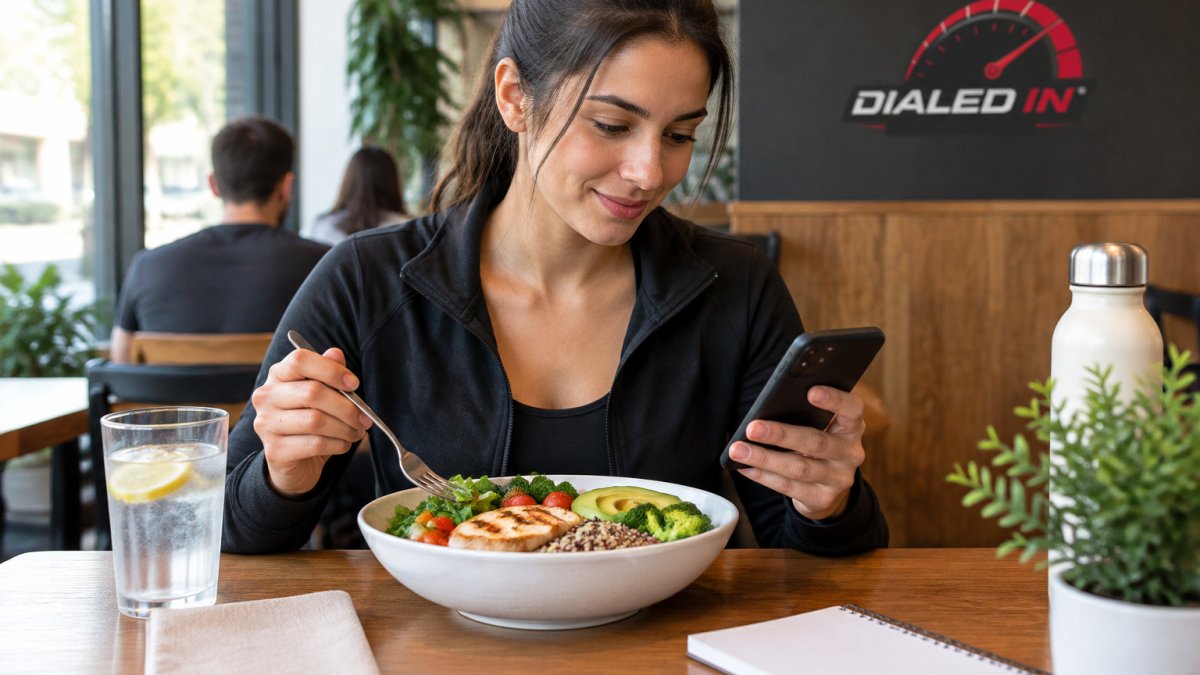
This walkthrough shows how to run an AI tool on a real plate, including a calibration step that helps you learn how the tool behaves on the foods you eat most.
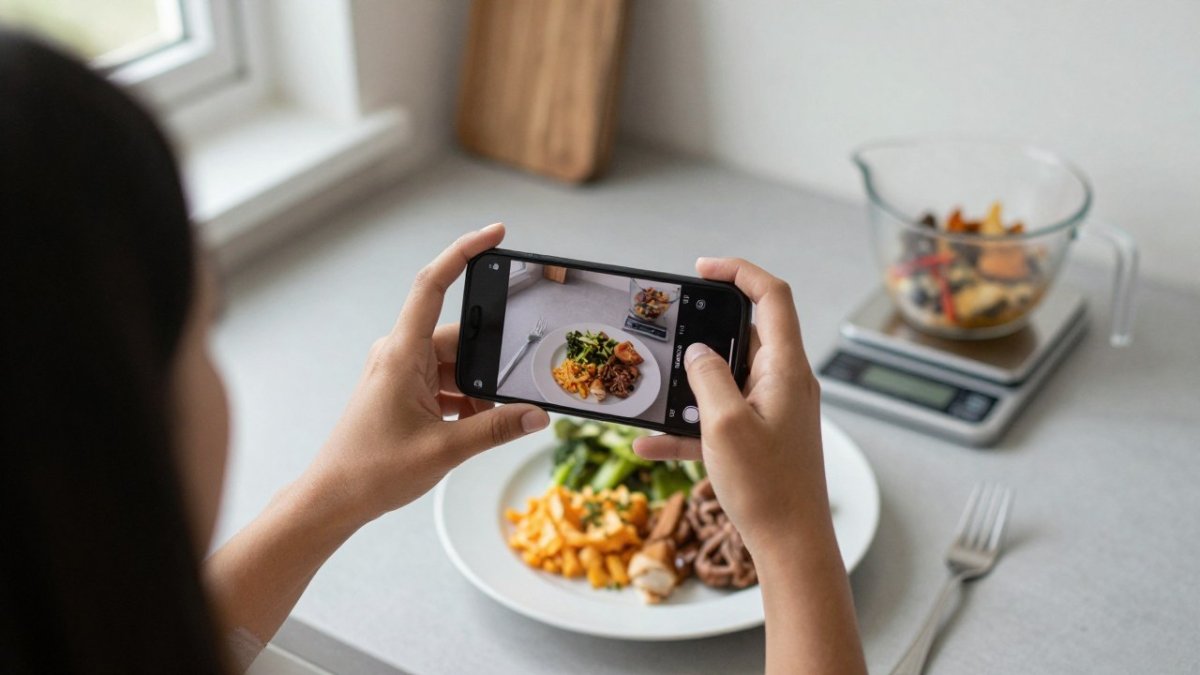
- Serve the meal the way you normally would. Do not rearrange food to make it look neater. The tool needs to read the portion you will actually eat, including the pile of rice you would really take.
- Place the plate on a flat, well-lit surface. Overhead light is better than a window behind the plate. Backlighting turns food into silhouettes and makes volume estimation harder.
- Take one photo from directly above. Keep the entire plate in frame, including the rim. The plate edge is the tool's primary scale reference; cropping it out removes the anchor the model uses to judge size.
- Add a reference object if the tool supports it. A fork, a standard spoon, or a measuring cup gives the model a known-size object. Tools that ask for a reference are telling you something useful: they know scale is their weak point.
- Review every label before accepting. Check that each food is named correctly and that the count matches, two eggs, not one; a cup of rice, not a tablespoon. Correct mislabels before moving on, because a wrong food name poisons the nutrient totals even if the portion is right.
- Adjust the portion to match what you served. If the tool guesses 1.5 cups of rice and you took one cup, change it. This is the single highest-leverage correction you can make, because portion error compounds across every nutrient.
- Weigh one item and compare. Put one component, the rice, the chicken, the pasta, on a kitchen scale and note the grams. Compare that with the tool's estimate. Do this for five or six meals and you will build a personal correction factor: if the tool consistently reads your rice 20% high, you know to trim its estimate on that food.
- Log the meal and move on. Do not re-photograph and re-edit until the number feels right. That turns a ten-second check into a five-minute ritual and is the fastest way to quit tracking.
Watch out: If you find yourself re-shooting the same plate three or four times to get a "better" number, you are optimizing the estimate instead of the meal. Pick the first clear photo, correct the labels, and accept the result.
Calibrating the Tool to Your Own Kitchen
The calibration step is where most users get the real value. After a week of paired measurements, one weighed item per meal, you will notice patterns.
Once you know your tool's tendencies, you can apply a mental correction without weighing every time.
Each step has a clear purpose, so the table below summarises what to do at each stage of a photo-based check.
| Step | What to do | Why it matters |
|---|---|---|
| 1. Serve the meal | Serve the portion you would normally eat | The tool needs the real portion, not a tidied one |
| 2. Light the plate | Use a flat, well-lit surface | Backlighting turns food into silhouettes |
| 3. Take one photo | Shoot from directly above, plate in frame | The plate rim is the main scale reference |
| 4. Add a reference | Include a fork, spoon or measuring cup | A known-size object replaces a guess |
| 5. Review labels | Check each food name and count | A wrong food name skews the nutrient totals |
| 6. Adjust portions | Change the estimate to match what you served | Portion error compounds across every nutrient |
| 7. Weigh one item | Compare one component on a kitchen scale | Builds a personal correction factor over 5-6 meals |
| 8. Log and move on | Accept the first clear result | Prevents re-shooting and quitting the habit |
How Accurate Are AI Portion Estimates, and Where Do They Go Wrong?
AI portion estimates are useful, but they are estimates. Understanding why they miss, and by how much, is what separates a tool that helps you from one that gives you false confidence. The errors fall into a few predictable categories.
The Mechanisms Behind Portion-Estimation Error
Camera angle and depth. A single overhead photo flattens a three-dimensional plate.
Hidden ingredients. Oils, butter, sauces, dressings, and sugar are the largest source of undercounting.
Mixed and layered dishes. Stews, burritos, casseroles, sandwiches, and soups combine ingredients the camera cannot separate.
Reference and scale ambiguity. The plate rim, a fork, or a hand are the model's rulers.
Database coverage. Regional, homemade, and culturally specific dishes are often missing or represented by a generic entry.
When to Trust the Estimate and When to Verify
A useful rule: trust the estimate for pattern-spotting, verify it for decisions.
A common pattern is that users over-trust the first few estimates, then over-correct after one bad result.
Watch out: An AI estimate that looks precise, "437 calories", is not more accurate than one that says "about 440." The exact figure is a presentation choice, not a measurement.
For context on how dietary intake is assessed in research, see the National Institutes of Health dietary assessment overview. Standard serving sizes used in US labeling are described by the FDA guidance on serving size.
AI Nutrition Tracking and Meal Planning for Portion Control
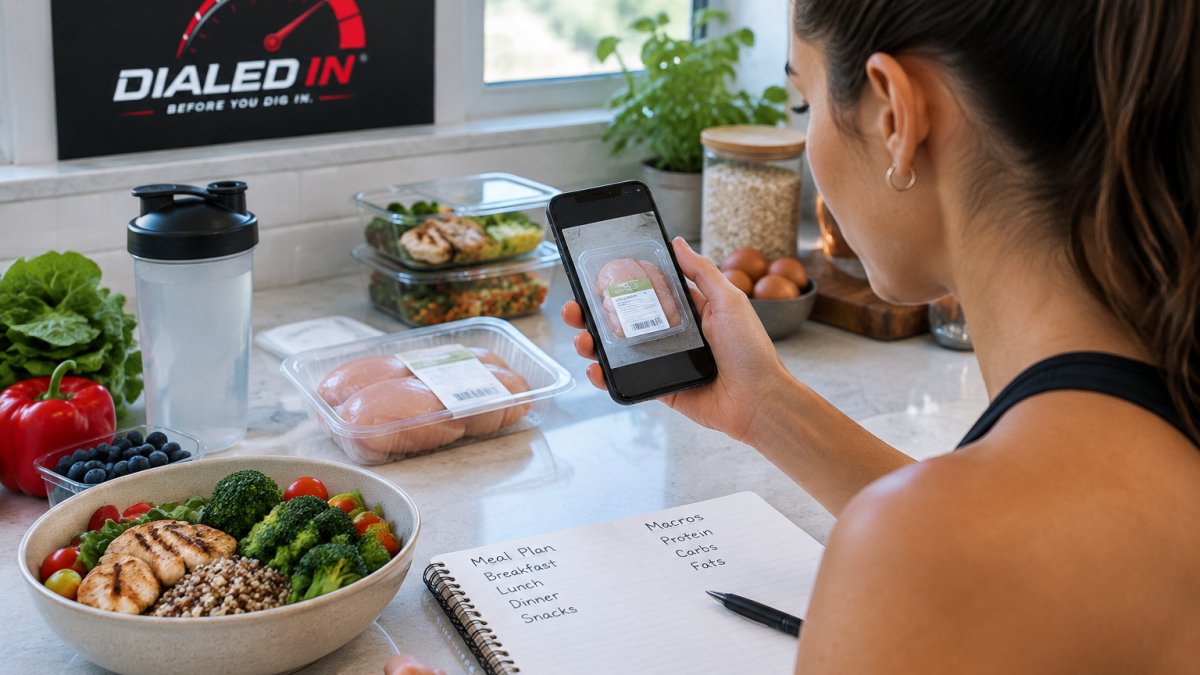
AI tools do more than estimate a single meal. Practical ways to use AI at home to stop overeating show how these features support portion control day to day.
Useful features include:
- Daily totals. See whether your calories and protein match your targets.
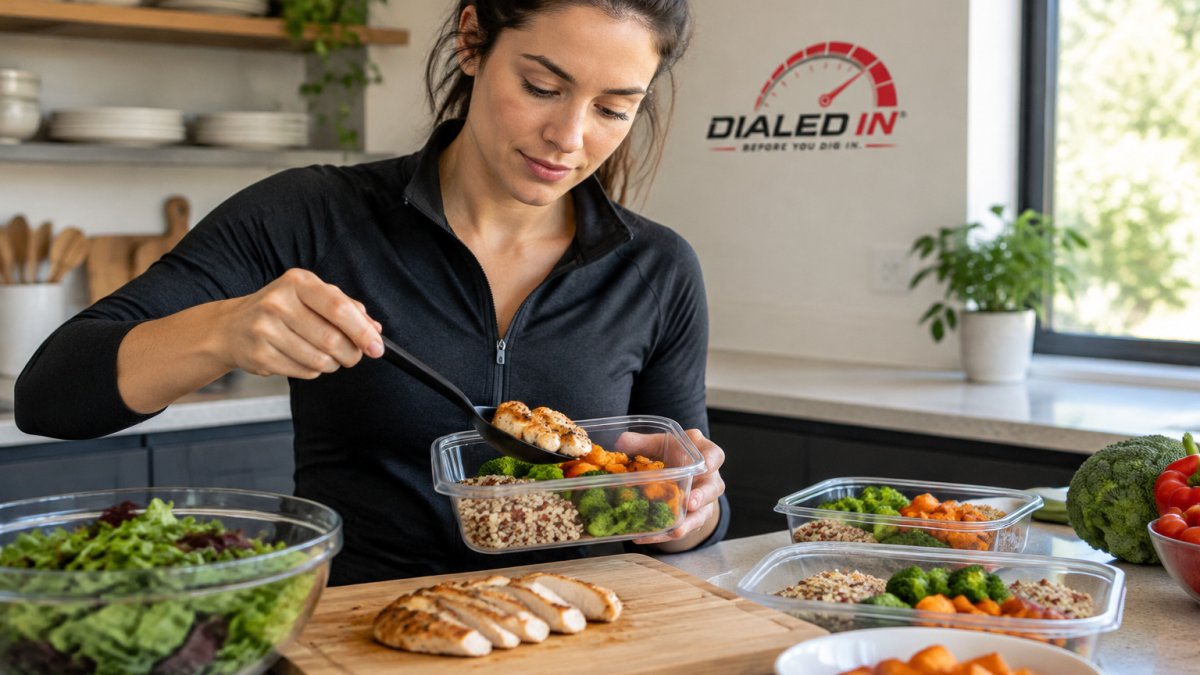
- Meal planning. Build meals with set portions of protein, carbohydrate, and vegetables.
- Food proportion checks. Compare how much of each food group is on your plate.
Pair these features with simple portion habits. Use a smaller plate, fill half with vegetables, and keep a standard serving of starch.
Dialed In analyzes menus, pantry items, and refrigerator ingredients by camera, then gives recommendations tied to your goal of losing fat, building muscle, or maintaining weight.
Privacy, Photo Handling, and Alternatives If You Don't Want to Take Photos
Food photos can reveal where you eat, what you eat, and your habits. A plain-language explanation of how AI food tracking handles your data walks through what happens to a photo after you take it. Before you use any AI tool, check:
- What is stored. Find out whether photos are kept, for how long, and whether they are used to train models.
- Who can access them. Look for clear answers about staff access and third-party sharing.
- How you can delete data. Confirm that you can remove photos and records.
The Federal Trade Commission publishes guidance on how companies should handle consumer data, and the FTC consumer privacy guidance is a useful reference when reviewing a tool's policy.
If you do not want to take photos, you still have options:
- Use measuring cups and a kitchen scale for the foods you eat most often.
- Use standard portion guides printed on food packages.
- Serve meals from the kitchen rather than family-style at the table.
Choosing a Tool That Fits Your Goal and Start Your Next Meal Check
Not every tool suits every person. How an AI nutrition coach differs from a simple calorie tracker helps you decide which style fits your goal. Consider these questions:
- Do you eat mostly at home or out? Restaurant meals need tools that handle mixed dishes well.
- Do you need protein targets? Look for clear macro totals if muscle building is the goal.
- How much effort will you keep up? A photo-based tool takes seconds, which suits busy schedules.
Start small. Pick one meal each day to check, compare the estimate with a weighed portion, and adjust your habits from there. Within a couple of weeks, you will know which portions feel right and which ones need trimming.
If you are ready to try a camera-based approach, visit the Dialed In website to learn more. Claim your Founder Spot to get started.
Frequently Asked Questions
How do AI nutrition tools estimate portion sizes?
Most AI nutrition tools analyze a photo to identify each food, then estimate its volume or weight using visual cues such as plate size, utensils, and how far food spreads across the plate. The tool matches each item to a food database entry for its density and nutrient content, then multiplies those values by the estimated quantity. Results are estimates, not weighed measurements, so accuracy improves when you photograph the meal from directly above with good lighting and include a reference object like a fork or your hand.
Can AI accurately measure food portions from a photo?
AI can get close, but it does not measure food the way a kitchen scale does. Errors are largest with mixed dishes, sauces, oils, and hidden ingredients, where the photo cannot show what is inside or underneath. Plain foods with clear edges, such as grilled chicken or a bowl of rice, are usually estimated more consistently. For the most reliable numbers, use the AI estimate as a starting point and weigh high-calorie items like oils, nut butters, and cheese when precision matters.
Do AI nutrition apps require you to log every meal?
Not always. Some AI tools, including Dialed In, are designed to work without an account, onboarding, or manual logging, so you point your camera at a menu, plate, or refrigerator item and get a recommendation for that decision. Others are built around ongoing tracking and ask you to log meals over time. If you want to avoid daily logging, look for a tool that gives in-the-moment guidance rather than requiring a running food diary.
What are the limitations of AI food tracking?
The main limitations are estimation error, missing context, and privacy. Portion estimates can be off by a meaningful margin, especially for restaurant dishes with hidden oils or sauces. Photos show only what is visible, so ingredients like butter in a sauce may not register. Meal photos also contain personal and health-related data, so check how each app stores images and whether you can delete them. Tracking itself can become stressful for some people, so AI tools work best as a guide rather than a strict rule.