 How-to
Integrating AI Health Tools into Daily Routines: A Practical Guide
Quick Summary
Integrating ai health tools into daily routines works when you use each tool for the job it does well, such as quick food decisions at a menu or in the kitchen, and not for diagnosis or medication. Choose one goal, attach the tool to a habit you already have, and review it after a week to see whether it fits.
- AI health tools are strongest at quick, repeated decisions like choosing between two dinner options.
- Poor fits include diagnosing symptoms, adjusting medication, and interpreting blood work.
- Pick one goal such as fat loss, muscle building, or maintenance before setup.
- Test the tool on one familiar meal to check whether its recommendation matches what you know.
- Review after one week; four weeks is enough to judge whether the tool helps.
Table of Contents
- What AI Health Tools Can and Cannot Do for Your Routine
- Choosing an AI Health Assistant You Will Actually Use
- Comparing AI Nutrition Apps Against the Tools You Already Use
- Setting Up Your Tools in Under 30 Minutes
- Building a Daily Routine Around AI-Assisted Food Decisions
- Best Practices for AI Health Integration
- When to Set the App Aside and Seek Care
- Your Next Step: Set Up Dialed In for Your First Restaurant Meal
- Frequently Asked Questions
What AI Health Tools Can and Cannot Do for Your Routine
Last Updated: November 6, 2026
Most people who try an AI health tool quit within a few weeks. The reason is rarely the technology.
AI health tools are strongest at quick, repeated decisions. They can scan a menu, read the ingredients in your kitchen, or compare a meal against your goals in seconds.
Here is a simple way to sort the work:
- Good fits: choosing between two dinner options, spotting a high-protein meal on a menu, planning what to cook with what you already have
- Poor fits: diagnosing symptoms, adjusting medication, interpreting blood work
- Gray area: long-term weight goals, which need your own tracking and a professional if you have a health condition
Knowing this split prevents the most common mistake. People expect a food app to answer medical questions, get frustrated, and drop it.
Choosing an AI Health Assistant You Will Actually Use
The best AI health assistant is the one you open every day. A powerful tool that asks for ten minutes of setup will lose to a simpler one you use at lunch.
Judge any tool against a few plain questions:
- Does it work at the point of decision, or only after you log a meal?
- Does it respect your specific goal, such as fat loss, muscle gain, or maintenance?
- Can you start without creating a long account or filling out a long form?
- Is it clear about how it handles your photos and data?
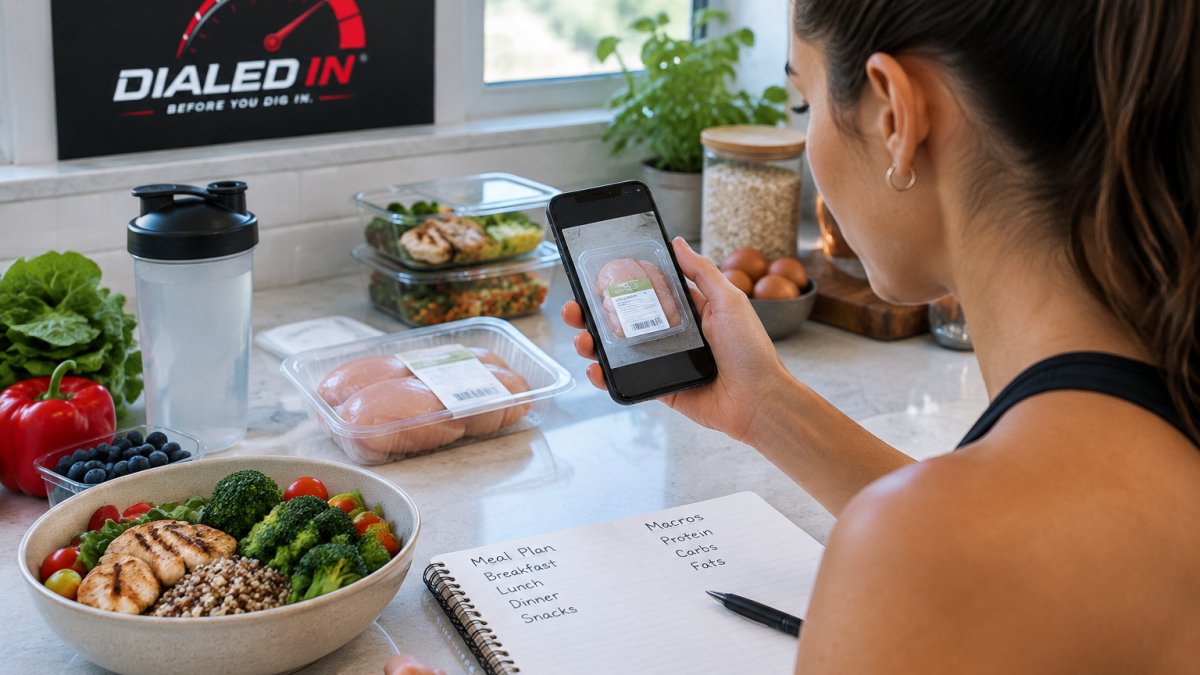
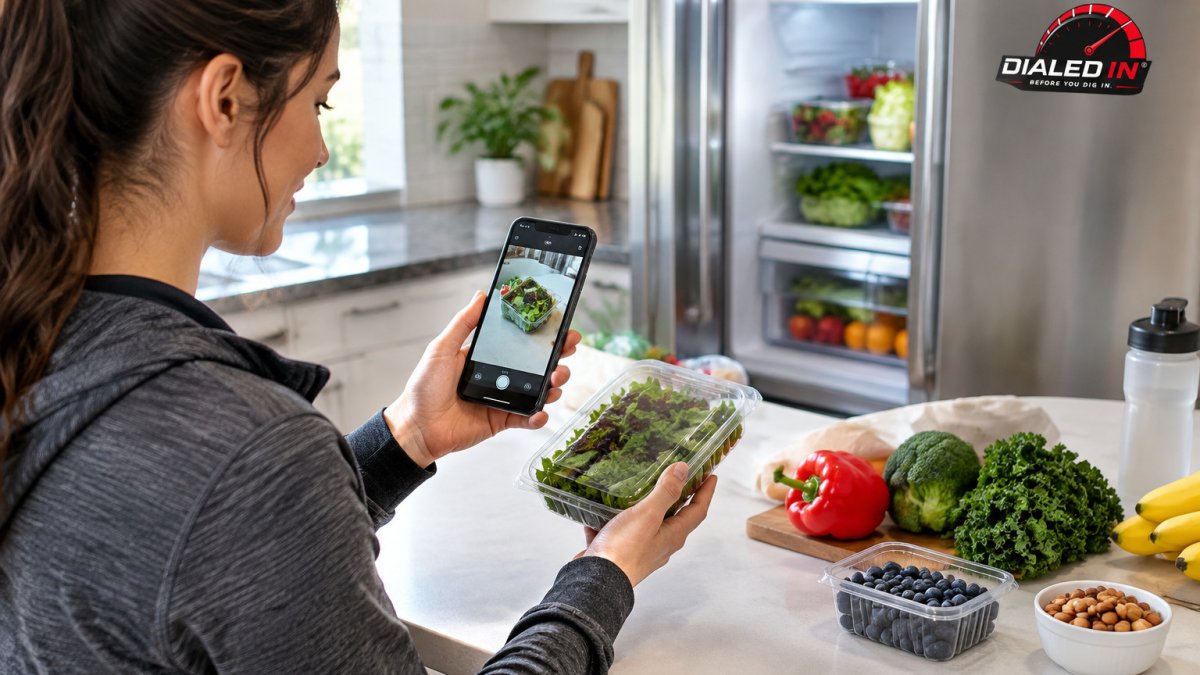
Dialed In works from a camera view of a menu, a meal, or a refrigerator item, and it does not require manual logging to start. That matters most for busy professionals who want guidance without adding another chore.
Comparing AI Nutrition Apps Against the Tools You Already Use
Many people already own a calorie counter. Switching to a new tool only makes sense if it solves a different problem. Traditional trackers ask you to search, select, and enter every food.
A useful comparison looks like this:
| Tool type | Best for | Main effort on your side |
|---|---|---|
| Manual calorie tracker | Detailed records and history | Logging every item |
| AI decision tool (Dialed In) | Choosing a meal in the moment | Pointing the camera |
| Home-cooking planner | Weekly meal prep | Planning and shopping |
The point is not that one replaces the others. You can keep a tracker for weekly review and use an AI decision tool for the moments when logging is impractical.
Setting Up Your Tools in Under 30 Minutes
A good setup takes less than half an hour, and the goal is one working use case plus one habit to test, not a fully built health system. Work through these steps in order, and stop when you have a single use case that survives a week.
- Pick one goal. Choose fat loss, muscle building, or maintenance. Multiple goals create conflicting advice, and most people who quit do so because two tools gave them two different targets.
- Install the app and grant only the permissions it needs. Camera access is enough for a food-decision tool. Decline location, contacts, and microphone unless you can name the specific feature that requires them.
- Test it on one familiar meal. Point the camera at something you know well, a usual breakfast, a standard lunch, and check whether the recommendation matches what you already know to be true. If it misses on familiar food, it will miss on unfamiliar food.
- Set a daily trigger. Attach the tool to a moment that already happens: checking a menu before you order, scanning the fridge before dinner, or reviewing the day before bed. A trigger tied to an existing habit survives; a reminder that fires at a random time does not.
- Review after one week. Note which recommendations you followed, which you ignored, and how you felt. One week is enough to see whether the tool fits; four weeks is enough to judge whether it helps.
Expected result: within 30 minutes you have one working use case and one habit to test. That is the whole point of a setup session, not a complete health dashboard.
Connecting devices and managing where your health data goes
Most people who try to build a health routine end up with four or five disconnected tools: a wearable for steps and sleep, a symptom tracker, a medication reminder, a patient portal, and a food app. Each one holds a slice of the picture, and none of them talk to each other. The result is fragmented records, duplicate entries, and a routine that collapses under its own maintenance.
A practical connection plan looks like this:
- Choose one source of truth per data type. Let the wearable own steps and sleep, the portal own lab results and visit notes, and the food tool own meal decisions. Do not let two apps track the same metric, you will get two numbers and trust neither.
- Use the platform health hub where it exists. On phones, the built-in health app can often pull step, sleep, and workout data from a wearable into one place, which reduces the number of apps you open each day.
- Connect only what you will actually review. A device that syncs data you never look at adds noise, not insight. If you have not opened a dashboard in two weeks, disconnect it.
- Keep a single medication list. Medication reminders are useful, but the list itself should live in one place, ideally the same list you bring to appointments, so a reminder app and a portal do not disagree about what you take.
- Export before you switch. If you leave a tracker, export your history first. Most consumer health apps allow a data export, and losing a year of records is a common and avoidable frustration.
Watch out: granting a food or fitness app access to your full health record, contacts, or location "for better personalization" is rarely necessary and widens what you have to trust. Turn off any permission you cannot tie to a feature you use.
Before daily use, read the privacy policy for three things: what images or health data are captured, whether they are stored on the device or on a server, and who can access them. For a dedicated walkthrough, see AI food tracking privacy explained. If the policy is vague about any of the three, limit what you share. Review data-sharing settings quarterly, because permissions and policies change without much notice.
Building a Daily Routine Around AI-Assisted Food Decisions
A routine works best when it attaches to moments you already have.
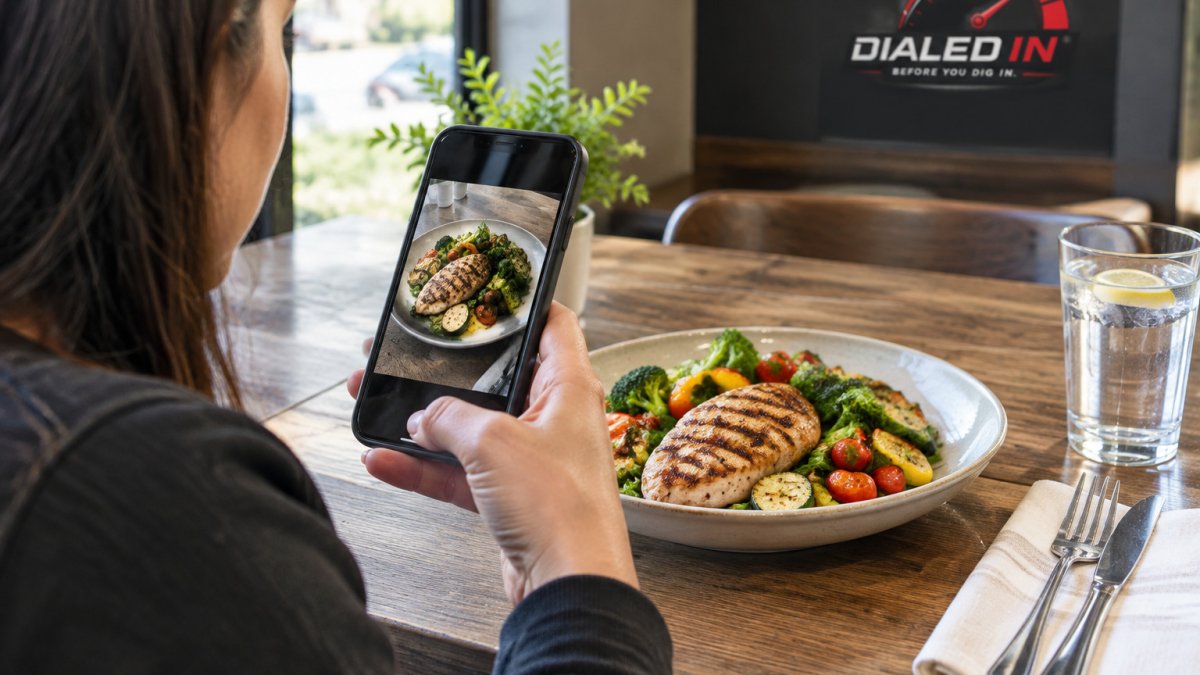
Build three anchor points into your day:
- Before ordering out: scan the menu and pick the option that fits your goal
- Before cooking: check what you already have and plan one meal around it
- After a long day: review the week's choices and adjust one thing
The goal is consistency, not perfection. Small, repeated decisions add up more than one strict week followed by a rebound.
Best Practices for AI Health Integration
- Use one tool for one job. Overlapping apps create conflicting advice.
- Keep your goal fixed for at least four weeks. Changing targets every few days makes results hard to judge.
- Check the recommendation against your own sense. If a suggestion feels wrong, trust your judgment and note it.
- Review data-sharing settings every quarter. Permissions and policies change.
- Track how you feel, not just numbers. Energy and sleep are useful signals.
A common mistake is treating the first recommendation as final. Treat it as a starting point and adjust based on how the meal actually works for you.
When to Set the App Aside and Seek Care
AI food tools are not a substitute for medical care, and the most useful skill you can build is knowing where the line is. The line is not vague.
Stop the app and contact a clinician if you have a history of an eating disorder or disordered eating, diabetes or another condition that requires managed diet, kidney or liver disease, a pregnancy, unexplained weight loss or gain, persistent dizziness or fatigue, or any symptom that worries you for more than a few days.
Seek emergency care immediately, call 911 or go to an emergency department, for chest pain, difficulty breathing, fainting, sudden weakness or numbness on one side, confusion, severe abdominal pain, signs of a severe allergic reaction, or any thought of harming yourself. If you are in crisis, the 988 Suicide & Crisis Lifeline is available by call or text (What to Expect).
Keep using the app, but bring questions to your clinician for the gray areas: a recommendation that conflicts with advice you were given, a goal that stopped producing results after four to six weeks, a new medication that may interact with your diet, or a lab result you do not understand. Write the question down when it occurs to you and bring the list to your appointment. A short list of specific questions is more useful to a clinician than a general description of your diet.
A few practical habits make the handoff safer:
- Keep a simple log of what the app recommended and what you did. Two weeks of notes gives a clinician something concrete to react to.
- Do not adjust medication based on an app's suggestion. Ever. That is a clinician's call.
- Tell your clinician which tools you use. Consumer health apps are rarely visible in a medical record, and your care team cannot account for advice they do not know you are receiving.
- Re-check the app's limits when your health changes. A new diagnosis, a new prescription, or a pregnancy can move a tool from helpful to inappropriate overnight.
The app can help you choose a meal. It cannot tell you what is wrong with your body, and it should never be the last word on a symptom.
Your Next Step: Set Up Dialed In for Your First Restaurant Meal
Restaurant dinners are where most routines break down, so start there. Choose your goal, point the camera at your next menu, and follow the recommendation for one meal. Dialed In gives you a clear, personalized answer without the logging burden that stops most people. Claim your Founder Spot and see how it fits into your day.
Frequently Asked Questions
How do I choose the right AI health assistant for my lifestyle?
Start with the goal you want the tool to serve, such as weight loss, muscle gain, or simply maintaining weight. Then check whether it gives recommendations tied to that goal, how it handles your data, and whether you can use it where you actually eat, whether that is restaurants, the grocery store, or your kitchen. Test it for one week during a normal routine. If it asks you to log everything manually or you stop opening it by day four, it is the wrong fit regardless of its feature list.
Are AI health tools safe and reliable for personal use?
They can be useful for everyday decisions, but they are estimates, not clinical measurements. Check what data the app collects, where images are processed and stored, and whether you can delete them. Treat calorie and macro figures as approximations, especially for restaurant dishes with hidden oils and sauces. If you have a medical condition, are pregnant, or are managing an eating disorder history, confirm your plan with a doctor or registered dietitian before changing how you eat.
Can AI nutrition apps help with long-term weight management and muscle building?
They can help you make consistent, goal-aligned choices, which is where most long-term progress comes from. Muscle gain depends on total protein intake and training, and weight management depends on sustained energy balance. A tool that prompts higher-protein choices when you are eating out supports both goals, but it will not replace training, sleep, or periodic check-ins with a professional. Judge the tool by whether your routine gets easier over several months, not by any single recommendation.