 Listicle
Best App for Restaurant Nutrition in 2026
Table of Contents
- Restaurant Nutrition Apps: Quick Comparison Table
- How We Evaluated These Restaurant Nutrition Apps
- 1. Dialed In: Real-Time AI Food Decision Coach
- 2. MyFitnessPal: Largest Restaurant Database
- 3. Lose It!: Best for Simplicity and Affordability
- How to Track Macros at Restaurants Without Manual Logging
- Healthy Eating for Busy Professionals: Why App-Based Coaching Matters
- Allergy Warnings and Offline Access: Features That Matter
Last Updated: August 24, 2026
Restaurant Nutrition Apps: Quick Comparison Table
| App | Free Tier | Starting Price | Best For | Standout Feature |
|---|---|---|---|---|
| Dialed In | No | Contact for pricing | Real-time restaurant decisions | AI camera-based food analysis, no logging required |
| MyFitnessPal | Limited (500 contacts) | $19.99/month | Large restaurant database | 20.5M+ foods including chain restaurants |
| Lose It! | Generous | $9.99/month | Simplicity and affordability | Snap It photo logging, clean interface |
| Cronometer | Yes | $5.99/month | Micronutrient tracking | Lab-verified database, 82+ nutrients |
| Fooducate | Yes | $9.99/month | Food quality grades | Unique grading system for packaged foods |
When you're eating out frequently, choosing the right app for restaurant nutrition matters more than most people realize. The difference between a tool that simplifies your choices and one that adds friction to every meal can determine whether you actually stick with your health goals or abandon them after two weeks.
This guide from Dialed In breaks down the best app for restaurant nutrition in 2026, comparing solutions designed specifically for people who eat out regularly. Whether you're a busy professional grabbing lunch between meetings, a frequent diner trying to make smarter choices, or someone building muscle and tracking macros, you'll find a tool that fits your workflow and goals.
How We Evaluated These Restaurant Nutrition Apps
We assessed each app across the criteria that matter most when dining out: how easily it identifies restaurant foods, whether it requires tedious manual logging, accuracy of nutritional data, integration with fitness wearables, and support for dietary restrictions and allergies.
The evaluation prioritized real-world usability. An app with the largest database means nothing if it takes five minutes to log a single meal. Similarly, a tool that requires you to create an account, set up profiles, and navigate complex menus before you can get a recommendation adds friction at the exact moment you need speed.
We also weighted features that competitors often overlook: offline functionality for travel, allergy warnings and cross-contamination alerts, and support for budget-conscious eating without sacrificing nutrition. These gaps separate tools designed for general fitness tracking from apps built specifically for restaurant dining.
1. Dialed In: Real-Time AI Food Decision Coach
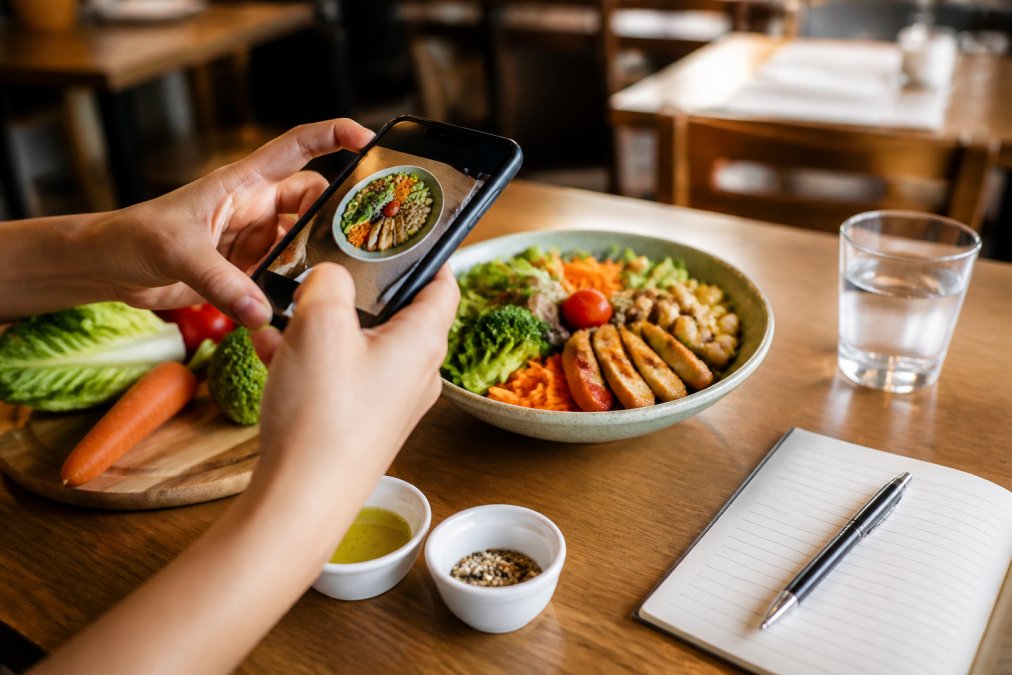
Dialed In stands apart because it eliminates the entire logging problem. Instead of searching a database, typing quantities, and manually calculating macros, you point your camera at any food source and get an instant recommendation tailored to your specific goal, losing fat, building muscle, or maintaining weight.
The core innovation is straightforward: the app analyzes what's on your plate in real time and tells you whether it aligns with your targets. No account creation. No onboarding. No spreadsheets. For busy professionals eating out constantly, this removes the single biggest friction point that causes people to abandon nutrition tracking.
What sets Dialed In apart from traditional calorie counters is the personalization layer. The recommendations change based on your goals, current intake, and activity level. A 200-calorie appetizer might be a perfect fit on one day and a poor choice on another, depending on where you stand relative to your targets. The app adjusts in real time.
The no-logging requirement is the real differentiator. Traditional apps ask you to manually enter foods, portion sizes, and preparation methods. This works fine for packaged foods with barcodes, but at restaurants, you're estimating. Dialed In removes estimation entirely by analyzing the actual food.
For people who've tried MyFitnessPal, Cronometer, or Lose It! and abandoned them because logging felt like a second job, Dialed In addresses the core complaint: it makes the decision-making automatic instead of manual.
2. MyFitnessPal: Largest Restaurant Database
MyFitnessPal dominates on database size. With over 20.5 million foods in its system, including extensive coverage of chain restaurant menus, it's the go-to tool if you need to find a specific restaurant item quickly (myfitnesspal.com).
The barcode scanner works exceptionally well for packaged foods, and the macro tracking is comprehensive. You can customize targets for protein, carbs, fat, sodium, and fiber. Integration with 40+ fitness trackers and smartwatches means your calorie burn syncs automatically, adjusting your daily allowance based on activity (myfitnesspal.com).
The AI Coach feature provides in-app guidance on nutrition patterns, though it's less personalized than tools built specifically around AI recommendations. The free tier caps at 500 contacts and includes ads, which frustrates many users. Premium pricing sits higher than most competitors at $19.99 per month.
MyFitnessPal remains the best choice if you eat primarily at chain restaurants with published nutrition data and you want a comprehensive database to search. For independent restaurants or mixed dining, the accuracy advantage shrinks significantly.
3. Lose It!: Best for Simplicity and Affordability
Lose It! nails the fundamentals: a clean interface, fast food search, and a genuinely generous free tier. You get unlimited food logging and barcode scanning without paying, which is rare among nutrition apps.
The app calculates a personalized daily calorie budget based on your goals and adjusts it as you log. The interface is fast, search results appear instantly, and logging takes seconds. Integration with Fitbit, Garmin, and Apple Health syncs activity data automatically.
The Snap It photo logging feature exists but works better in the premium tier. The free version includes limited photo logs, and accuracy can be inconsistent, especially with mixed dishes or restaurant food where portion sizes vary.
For beginners or people testing whether they'll actually use a nutrition app, Lose It! is the lowest-friction entry point. The free tier is genuinely usable, not a crippled demo designed to push you to premium. You can track macros, scan barcodes, and sync with wearables without paying a cent.
The tradeoff: limited micronutrient tracking and no adaptive coaching in the free version. If you need detailed vitamin and mineral analysis, Lose It! doesn't compete with Cronometer. If you're building muscle and tracking protein specifically, the macro tracking is solid but less detailed than premium tools.
At $9.99 per month for premium, Lose It! is one of the more affordable options, making it the best choice for budget-conscious users who want a reliable app without premium pricing (loseit.com).
How to Track Macros at Restaurants Without Manual Logging
Tracking macros at restaurants typically requires either accepting rough estimates or spending time with a nutrition app between bites. Real-time AI analysis changes this equation entirely.
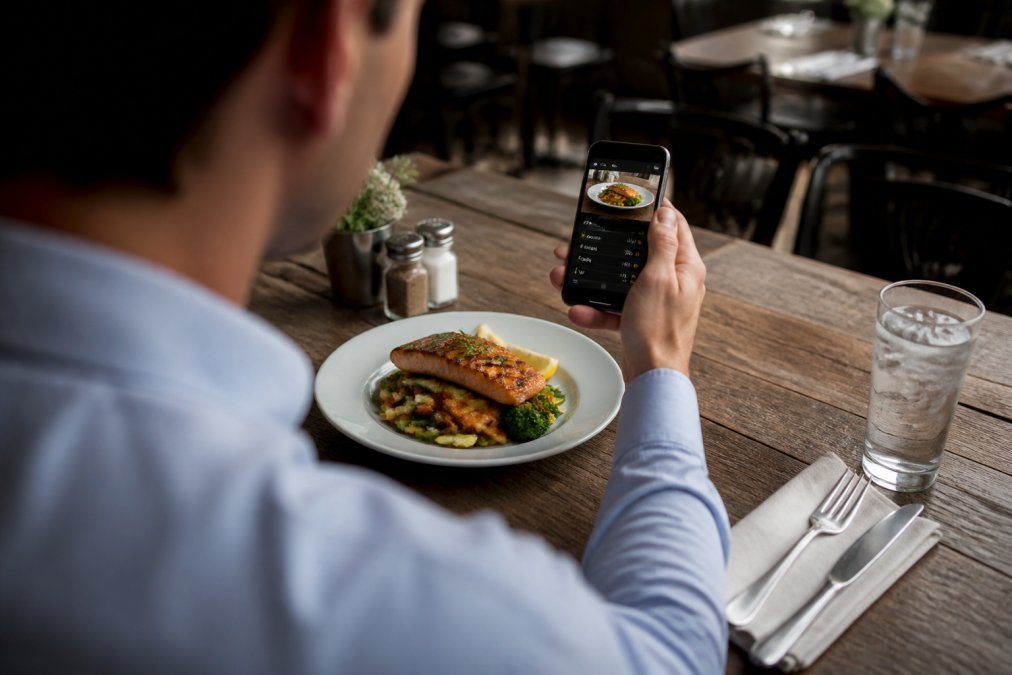
The traditional approach, search the app, find the restaurant, select the item, adjust portion size, works fine if you have five minutes. In practice, you're eating with colleagues or friends, and pulling out your phone for a detailed logging session feels awkward and kills the social experience.
Apps like Dialed In bypass this friction entirely. Point the camera at your plate, get a recommendation aligned to your macros, and move on. The analysis happens in seconds. For protein-focused goals, hitting 150+ grams daily for muscle building, this speed matters enormously. You're not estimating; you're getting real-time feedback on whether the meal fits your targets.
The key insight: macro tracking at restaurants fails not because people don't understand nutrition, but because the process feels tedious. When the friction drops to near-zero, adherence skyrockets. You're not fighting yourself to stay consistent; the tool makes consistency automatic.
Healthy Eating for Busy Professionals: Why App-Based Coaching Matters
Busy professionals face a specific problem that generic nutrition advice doesn't address: you don't have time to meal prep, plan menus, or research restaurants. You're grabbing lunch between meetings, ordering dinner after work, and making split-second decisions in the moment.

Traditional nutrition coaching assumes you're cooking at home, have flexibility in meal timing, and can plan your week in advance. None of these assumptions hold for someone eating out five days a week.
App-based coaching flips the model. Instead of planning meals you'll never prepare, the app meets you where you actually are: in front of a restaurant menu, making a decision right now. The coaching is real-time and contextual, not theoretical.
This distinction matters more than it sounds. A meal plan that says "eat 150g protein daily" doesn't help when you're staring at a burger menu. A real-time recommendation that says "the grilled chicken sandwich hits your targets; the burger is 200 calories over" actually changes behavior.
Busy professionals also benefit from tools that eliminate decision fatigue. You're making dozens of decisions before lunch. A tool that removes the "what should I eat" question frees mental energy for work that matters. This is why apps designed specifically for restaurant dining, rather than home cooking, resonate with corporate professionals.
The secondary benefit: accountability without the burden. You're not logging every meal, which would add stress. You're getting real-time feedback on whether your choices align with your goals, which provides motivation without friction.
Allergy Warnings and Offline Access: Features That Matter
Most nutrition apps focus on calories and macros, overlooking two critical features: allergy warnings and offline functionality. These gaps create real problems for specific user groups.
Allergy warnings matter if you have severe food allergies, celiac disease, or need to avoid cross-contamination. A generic database entry for "grilled chicken" doesn't tell you whether the kitchen uses a shared grill, whether the sauce contains gluten, or whether nuts are prepared nearby. Apps that integrate allergy information and cross-contamination warnings prevent dangerous situations.
Offline functionality solves a different problem: travel. You're on a business trip in a city where you don't know restaurants, or you're traveling internationally where data is expensive or unavailable. An app that works offline, caching menu data and recommendations locally, keeps you on track regardless of connectivity.
Few apps address both gaps. Most assume you're home, connected, and cooking. For frequent diners and travelers, these features separate genuinely useful tools from ones that create friction in edge cases.
When evaluating an app for restaurant nutrition, ask whether it handles your specific constraints. If you have allergies, does it flag them prominently? If you travel frequently, does it work offline? If you're eating out constantly, does it reduce friction or add it?
The best app for restaurant nutrition depends on your specific situation. For someone eating out daily and wanting zero-friction macro tracking, Dialed In removes the logging burden entirely. For someone who eats at chain restaurants and wants the largest database to search, MyFitnessPal delivers. For someone starting out and wanting affordability, Lose It! provides a solid entry point.
The common thread: the right app removes friction from the moment you need to make a decision. Speed matters. Accuracy matters. But if the tool adds complexity instead of removing it, you'll abandon it within weeks, regardless of how comprehensive its database is.
Maintaining consistent nutrition while eating out frequently challenges even disciplined professionals. The gap between knowing what you should eat and actually making that choice in the moment is where most nutrition goals fail. Dialed In closes that gap by providing personalized recommendations in real time, without requiring manual logging or account setup. By pointing your camera at any menu item or plate, you get instant feedback on whether the food aligns with your specific goals, losing fat, building muscle, or maintaining weight. For busy professionals who eat out constantly, this eliminates the friction that causes other apps to fail. Claim Your Founder Spot and experience how real-time AI coaching simplifies every restaurant decision.
Frequently Asked Questions
How accurate are restaurant nutrition apps at identifying calories and macros?
Accuracy varies by app and restaurant type. Apps with larger restaurant databases like MyFitnessPal tend to have pre-entered nutritional data for chain restaurants, making them more reliable. For independent restaurants or mixed dishes, AI-powered apps like Dialed In analyze the actual food visually, which can be more accurate than generic estimates. Most apps are within 10-15% for major chain restaurants, but accuracy drops for custom or heavily modified dishes. Always verify portion sizes, as that's where most tracking errors occur.
Can I use a restaurant nutrition app if I don't want to create an account?
Some apps require accounts to track progress over time and receive personalized recommendations. Dialed In stands out by offering real-time AI food decision coaching without requiring account creation or manual logging. Other apps like MyFitnessPal and Cronometer do require accounts to save your data and dietary history. If you prefer minimal setup, look for apps that offer account-free analysis or those with quick-signup options.
Which app is best for tracking macros at restaurants when building muscle?
MyFitnessPal and Cronometer are strong choices for macro tracking at restaurants due to their detailed nutritional breakdowns and extensive restaurant databases. However, Dialed In's AI food decision coach provides personalized recommendations based on your specific muscle-building goals without the manual logging burden. For busy professionals, Dialed In eliminates the friction of manually entering every meal while still delivering macro-aligned suggestions at the point of decision.
Do restaurant nutrition apps account for hidden ingredients and allergens?
Most mainstream apps like MyFitnessPal and Cronometer include allergen filtering and can flag common allergens in restaurant foods. Fooducate specifically highlights allergy-friendly options. However, accuracy depends on the restaurant providing complete ingredient information. For serious allergies or cross-contamination concerns, always verify directly with the restaurant rather than relying solely on app data. Apps with AI analysis like Dialed In can identify visible ingredients but may miss hidden components, always ask staff when safety is critical.
This article was written using GrandRanker