 How-to
Can AI Scanners Make Healthy Eating Habits Easier?
Last Updated: November 5, 2026
Quick Summary
Integrating ai scanners into healthy eating habits works by moving feedback to the moment of choice: you scan a menu, plate, or fridge shelf and get a recommendation tied to one goal. Set a single target first, then build a scan-first routine before ordering, at the table, at home, and at the store.
- Pick one goal, such as a calorie ceiling and protein floor, before scanning anything.
- Scan before ordering, at the table, at the fridge, and at the store to replace existing decisions.
- Portion estimation is the larger source of error, so confirm matches and scan the full plate.
- A tablespoon of olive oil is roughly 120 calories and a classic scanner blind spot.
- Correct the first bad scan of a meal rather than fixing a week of drift later.
Table of Contents
- Why Healthy Eating Habits Fail Without Feedback
- What to Look for in an AI Food Scanner App
- Step 1: Set One Goal Before You Scan Anything
- Step 2: Build a Scan-First Routine for Meals and Restaurants
- How AI Calorie Tracking Handles Portion and Recognition Errors
- From Scans to Personalized Nutrition Coaching
- Nutrition Tracking Without Logging: What Changes Day to Day
- Privacy, Accessibility, and Keeping Human Control
- Frequently Asked Questions
Why Healthy Eating Habits Fail Without Feedback
Most eating plans fail at the moment of decision, not at the moment of willpower. A person stands in a restaurant, scans a menu, and has no quick way to judge which dish fits the goal. So the default wins: the familiar order, the bigger portion, the extra side.
That gap is where integrating ai scanners into healthy eating habits starts to matter. Feedback at the point of choice beats feedback hours later in a log. Nutrition apps that ask for manual entry create work after the fact. By then, the meal is already eaten.
Three problems show up again and again:
- No instant signal. A diner has no fast way to compare two dishes against a protein or calorie target.
- Delayed logging. Manual entry happens later, if at all, and often gets skipped.
- Decision fatigue. Busy professionals make dozens of food calls a week and stop analyzing them.
The fix is not more discipline. It is a faster loop between the food in front of someone and the choice they make next.
Below, this guide shows how to fold an AI food scanner app into daily life without turning it into another chore.
What to Look for in an AI Food Scanner App
The right app answers one question fast: given this food and this goal, what should I eat? Everything else is secondary. Speed, database quality, and clear recommendations matter more than feature lists.
Recognition Speed and Portion Estimation
Speed decides whether a scanner gets used. Look for apps that return an answer quickly, right at the table.
Portion estimation is the harder half. A plate of pasta can swing widely in calories depending on the serving size. Good apps flag uncertainty instead of pretending to be exact. Watch for tools that show a range or ask a quick clarifying question rather than guessing silently.
Database Coverage and Data Quality
Menu items and packaged foods vary by region, brand, and recipe.
Missing foods. No database contains every home-cooked meal, every local restaurant, and every family recipe. The question is what the app does when it has no match.
Recipe variation. The same dish name hides wide differences. A restaurant club sandwich, a deli club, and a homemade club can differ by hundreds of calories because of bread, mayo, and portion.
Regional and cultural dishes. A database built around one cuisine will misread others.
Data quality and consistency. Nutrient records come from labels, restaurant disclosures, and lab analyses, and they do not always agree.
Check these before committing:
- Restaurant coverage. Does it handle chain menus and common dishes, not just packaged groceries?
- Whole foods and recipes. Can it estimate a home-cooked meal from ingredients, and save the result?
- Custom items. Can the user add a food the database lacks and reuse it?
- Update cadence. Are menu changes and new products reflected, and how often?
- Transparency. Does it say when a match is a close guess, and does it show the source of the nutrient record?
For a deeper look at how recognition and accuracy work under the hood, this breakdown of how AI food scanner accuracy works explains the mechanics before picking a tool.
Watch out: a large database count is a marketing number, not a quality signal.
Step 1: Set One Goal Before You Scan Anything
A scanner with no goal produces noise. The first step is picking a single target, because recommendations only make sense against one.
Set the goal in plain terms:
- Fat loss: a calorie ceiling and a protein floor.
- Muscle building: a protein target per meal and a rough calorie range.
- Maintenance: portion control and steady energy, no strict numbers.
Write it down once. Then let the app do the math. Dialed In tailors recommendations to a stated goal.
A common mistake is chasing three goals at once. Pick one for the next few weeks. The scanner's advice only gets sharper when the target is clear.
Step 2: Build a Scan-First Routine for Meals and Restaurants
The habit that sticks is the one tied to an existing moment. Scanning works best when it replaces a decision people already make, not when it adds a new task.
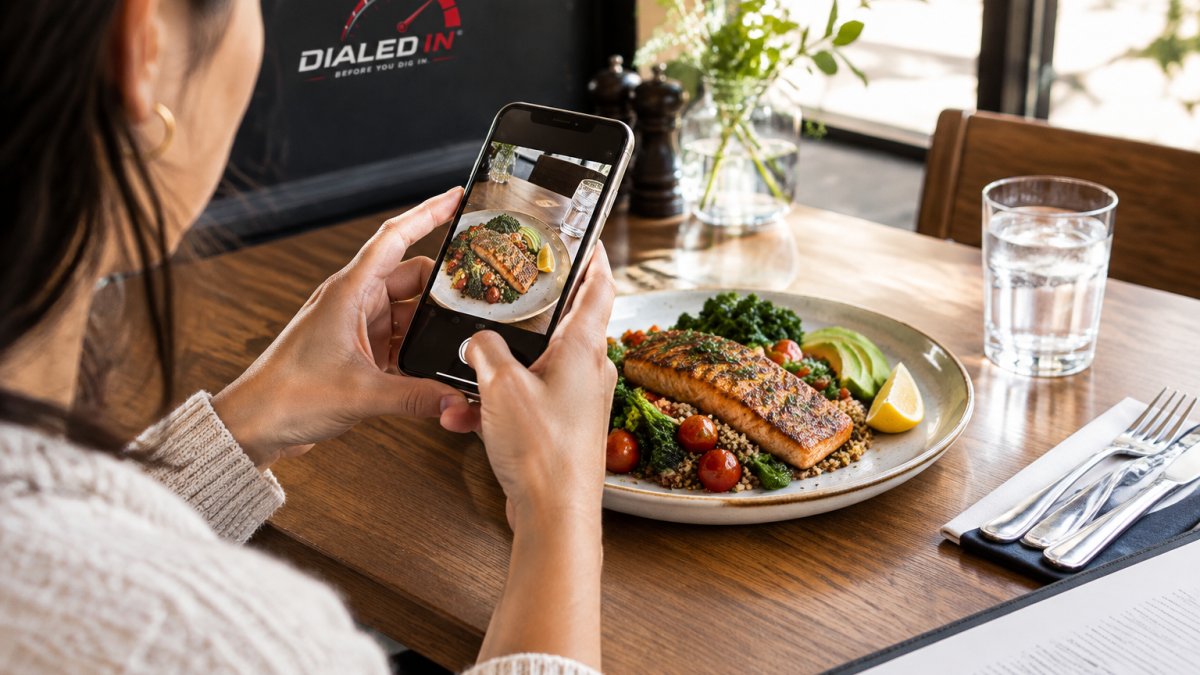
A simple routine covers most days:
- Before ordering. Scan the menu or the dish in mind and compare two options against the goal.
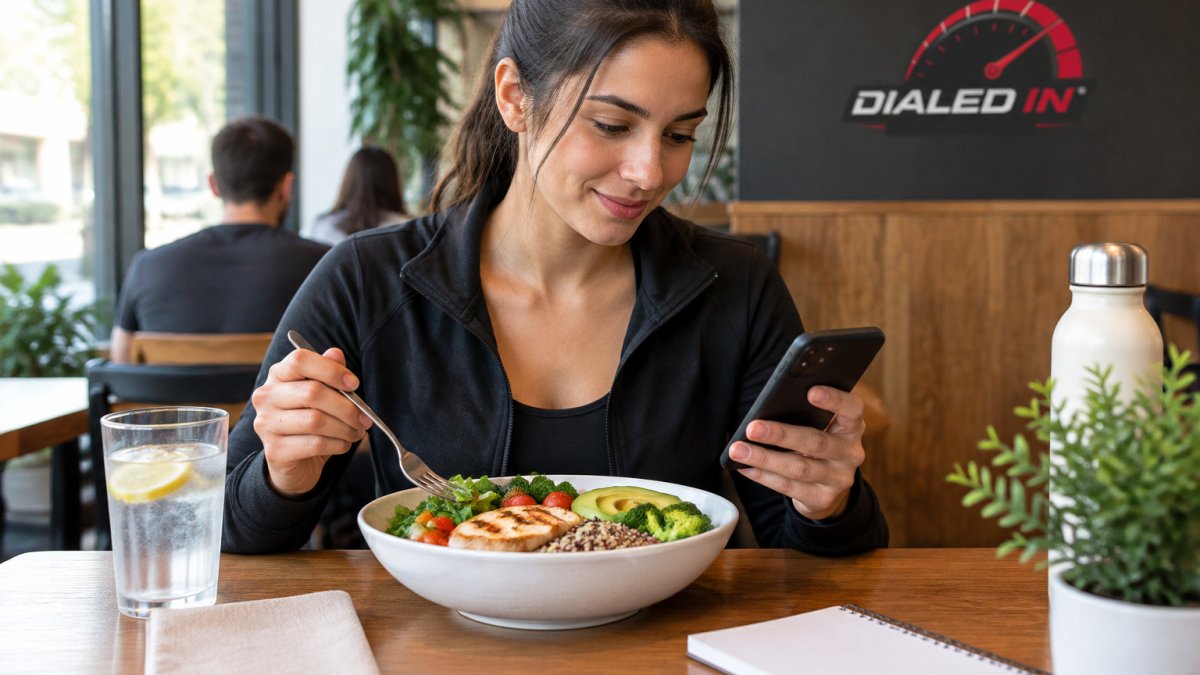
- At the table. Scan the plate if the order is uncertain, and adjust the portion or sides.
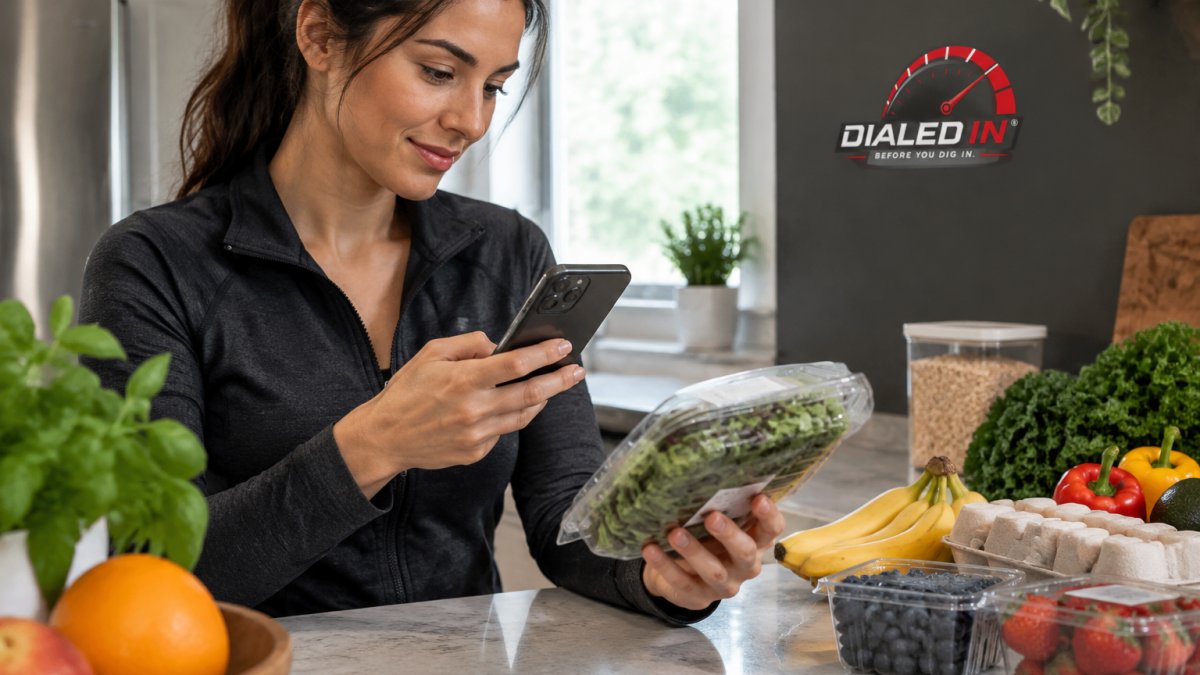
- At home. Scan the fridge or pantry shelf before cooking, then build the meal around what fits.
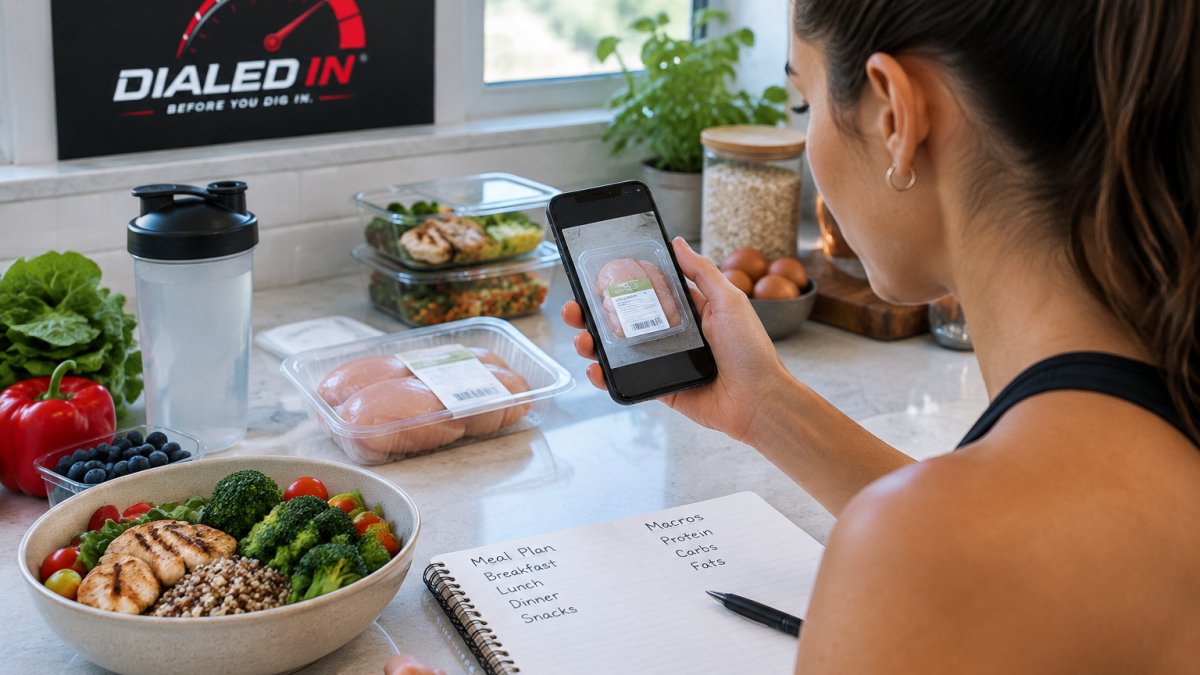
- At the store. Scan packaged items to compare two choices in seconds.
Frequent diners get the most from this. A scan-first habit turns a random restaurant order into a goal-aligned one without a spreadsheet. For a full method on handling meals out, this guide to tracking restaurant nutrition without manual logging walks through the routine step by step.
How AI Calorie Tracking Handles Portion and Recognition Errors
No scanner is perfect, and honest tools say so.
Recognition errors. A vision model compares the image against labeled examples it was trained on.
Portion estimation errors. This is the larger source of error in practice. A single photo carries no reliable depth cue, so the model infers size from plate geometry, utensil references, and learned priors.
Hidden and added extras. Cheese, butter, croutons, and sauces added after the photo was taken never enter the estimate. So does anything eaten off-frame, a handful of nuts, a second slice of bread, a shared appetizer.
Here is how to keep those errors small:
| Error type | What goes wrong | Practical fix |
|---|---|---|
| Wrong food match | A dish is confused with a similar one | Confirm or correct the match before accepting |
| Portion drift | Serving size is over- or under-estimated | Scan the full plate, include a utensil or hand for scale, and note the size once |
| Hidden extras | Sauces, oils, and toppings go unseen | Scan again after adding dressings or sides, or add them as separate items |
| Mixed dishes | Combined meals are hard to break down | Scan components separately when they are visible on the plate |
| Off-frame eating | Shared plates and snacks never get captured | Log shared items once at the table, not from memory later |
The pattern is clear: a quick confirmation beats silent guessing. For a set of concrete habits that cut these errors, these steps to improve AI food scanner accuracy cover the practical side.
Watch out: accepting every scan without a glance is the fastest way to drift. A wrong portion estimate repeated across a week adds up quietly, and the error compounds because the app learns from the entries it is given.
From Scans to Personalized Nutrition Coaching
Scanning is the input. Coaching is the output. The value shows up when the app turns a series of scans into advice that fits a person's goal and pattern.
Personalized nutrition coaching means the guidance changes based on what the user eats and wants. A muscle-building goal pushes protein at each meal. A fat-loss goal nudges toward volume and away from calorie-dense extras. The scanner feeds that coaching engine with real choices instead of guesses.
The contrast with manual logging is worth naming. Logging records the past. Coaching shapes the next decision. An app that only logs tells a person what they already did. An app that coaches tells them what to do now.
For a side-by-side look, this comparison of AI nutrition coaching vs manual logging lays out where each approach helps and where it falls short.
Nutrition Tracking Without Logging: What Changes Day to Day
Dropping manual logs changes the daily rhythm more than people expect. Nutrition tracking without logging moves the effort from after the meal to the moment of choice.
What shifts:
- Less bookkeeping. No entering grams or hunting for database entries after eating.
- Faster decisions. A scan at the table replaces a mental calculation.
- Fewer skipped days. The habit survives busy weeks because it takes seconds.
- Better restaurant choices. The scan happens before the order, when it still matters.
The trade-off is trust. Without a full log, the user relies on the app's read of each meal. That is why confirmation and clear feedback matter. When the tool shows what it saw, the person stays in control of the call.
Privacy, Accessibility, and Keeping Human Control
A camera pointed at food raises fair questions. Where do the images go, and who sees them? Privacy and human control decide whether an app earns long-term trust.
Three things to check:
- Image handling. Does the app explain what happens to photos and whether they are stored?
- Accessibility. Can it work for people with limited vision or dexterity, with clear voice or large-text options?
- Human control. Can the user override any recommendation without friction?
The best design keeps the person in charge. The app suggests; the user decides. For the details on how scanning data is stored and protected, this guide to AI food tracking privacy covers what to ask before committing.
Accessibility also means the tool fits real life: noisy restaurants, quick lunch breaks, one-handed use. A scanner that needs perfect lighting and a steady hand will not survive a busy week.
Frequently Asked Questions
How accurate are AI scanners at estimating calories and portions?
Accuracy varies by food and photo quality. Mixed dishes, sauces, and stacked plates are the hardest to read, so estimates can drift by a meaningful margin. You reduce the error by scanning before you eat, capturing the full plate from one angle, and correcting the portion when the app asks. Treat every scan as a strong starting point rather than a lab measurement, and watch the trend across a week instead of judging a single meal.
Do I need to log everything I eat when using an AI food scanner app?
No. The point of nutrition tracking without logging is to remove the spreadsheet habit. Scan the meals where a decision matters, such as restaurant orders, takeout, and dinners you assemble from the fridge. Simple snacks and repeat meals you already know well do not need a scan every time. Fewer, better-timed scans give you usable feedback without turning every bite into an entry.
Can AI scanners read restaurant menus and packaged foods?
Yes, and that is where they earn their keep. Point the camera at a menu and the app can flag dishes that fit your goal, then scan the plate when it arrives to check the portion. Packaged foods are easier because the label carries the numbers. The weak spot is a dish buried in sauce or a menu description that hides the cooking method, so ask how the item is prepared when the scan looks unclear.
How do I use AI nutrition tools without relying on them too much?
Set a scan budget. Scan the two or three meals per day where you are most likely to drift, and skip the ones you could call correctly on your own. Once a week, review what the scans told you and name the pattern, such as a lunch that runs high in calories or a protein gap at breakfast. The goal is to internalize the lesson, not to keep the camera on forever.
Building a healthy eating habit is less about willpower and more about feedback at the right moment. Dialed In puts that feedback in front of the decision with real-time AI food decision coaching, works on any menu, meal, or refrigerator item, and needs no account, onboarding, or manual logging to start. The result is a simpler path to consistent progress on fat loss, muscle building, or maintenance. Get started with Dialed In and make the next food choice a goal-aligned one.