 How-to
Tracking Restaurant Nutrition Without Manual Logging
Last Updated: October 23, 2026
Quick Summary
Tracking restaurant nutrition without manual logging works best with a photo-first workflow: snap the plate once, review the estimate, and save repeat orders as one-tap entries. Check published restaurant nutrition information before ordering when it exists, and record a low-to-high range when data is missing.
- Manual logging fails at restaurants because of hidden ingredients, portion drift, and the friction of typing a meal.
- Save your five most-ordered restaurant meals once to remove most logging work from your week.
- When data is missing, identify the cooking method first, then break the plate into protein, starch, vegetables, and fats.
- Record a low and high estimate in your log and use the midpoint for daily totals.
- Photo and AI tools estimate only what is visible, so they struggle with hidden fats, mixed dishes, and partially eaten plates.
Table of Contents
- Why Manual Logging Fails at Restaurants (and What Works Instead)
- How to Track Calories When Eating Out Without Typing Every Bite
- Use Restaurant Nutrition Information Before You Order
- How to Estimate Calories in Restaurant Food When Data Is Missing
- Nutrition Tracking Apps for Eating Out: What to Look For
- Accuracy Ranges and Uncertainty in Restaurant Estimates
- Dietary Needs Beyond Calories and Macros
- Frequently Asked Questions
Why Manual Logging Fails at Restaurants (and What Works Instead)
Tracking restaurant nutrition without manual logging sounds impossible if you have only used food diaries. The core problem is simple: a printed menu rarely matches what lands on the plate, and typing every ingredient at the table kills the moment.
Manual logging fails at restaurants for three reasons:
- Hidden ingredients. Butter, oil, and sugar show up in dishes that look plain.
- Portion drift. Restaurant servings are often larger than the label suggests.
- Friction. Typing a meal takes minutes. People skip it.
The fix is not more discipline. It is a different workflow. For hands-on advice, see these practical tips to stop overeating at restaurants.
How to Track Calories When Eating Out Without Typing Every Bite
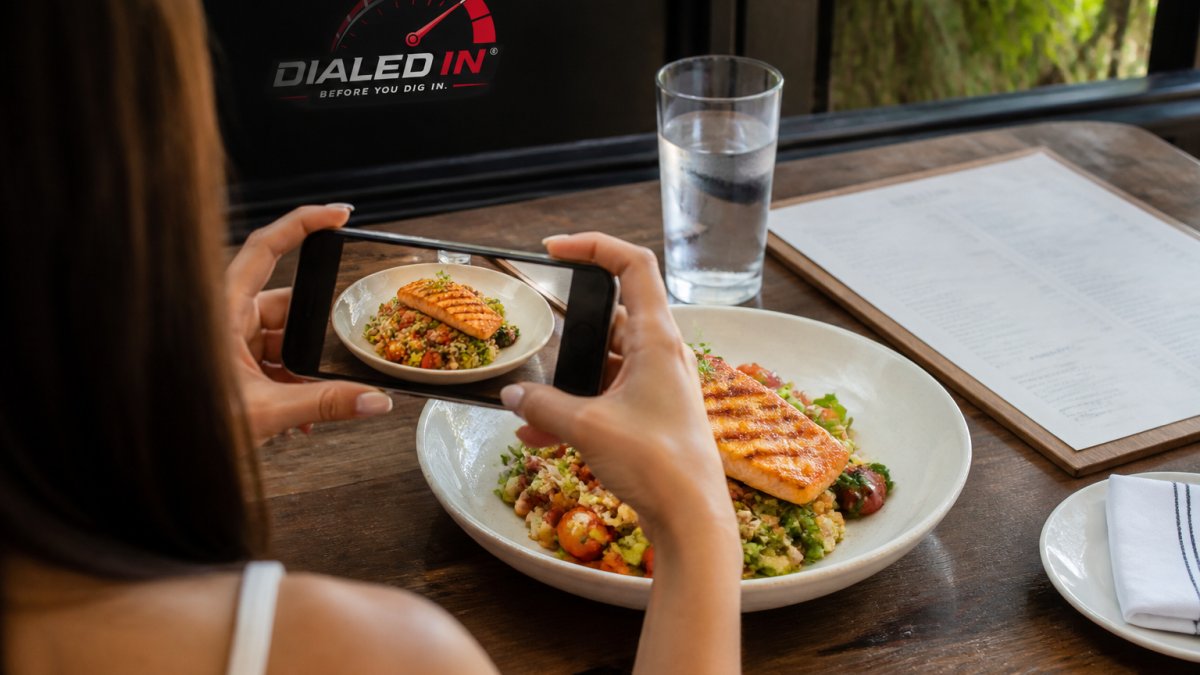
A photo-first approach removes most of the typing. Instead of searching a food database item by item, you capture the plate once and let a tool do the heavy lifting.
The Photo-First Workflow
The photo-first workflow is a method of capturing a meal with one image, then converting that image into a calorie and macro estimate. It trades precision for consistency, which matters more over a week of eating out.
Here is how it runs:
- Snap the plate before you start eating, with the whole dish in frame.
- Note the menu name if it is visible, so the tool can match the dish.
- Review the estimate and adjust one or two components, not every gram.
- Save the meal if you would order it again.
For a fuller walkthrough of this method, see the AI calorie counter for restaurants guide.
Reusable Restaurant Entries for Repeat Orders
Repeat orders are where tracking gets easy. Most people eat at the same handful of places and order the same dishes.
Save each recurring meal once. Next time, you log it in one tap instead of rebuilding it. This cuts the effort of meal tracking at restaurants to almost nothing and keeps your food diary consistent.
Use Restaurant Nutrition Information Before You Order
Restaurant nutrition information is the fastest shortcut available. Many chains publish calorie counts, macros, and allergen charts online or in-store. Checking before you order beats estimating after.
Reading Menu Labels and Allergen Charts
Menu labels usually list calories per item, but the details matter:
- Serving size may differ from what you receive.
- Customizations change the count. Sauces and sides often sit outside the base number.
- Allergen charts help with dietary needs beyond calories.
Use the published number as a starting point, then adjust for what you actually order. A practical guide to estimating restaurant calories covers how to handle the gaps.
How to Estimate Calories in Restaurant Food When Data Is Missing
Many restaurants publish nothing, and even chains with posted calories often leave customizations, sides, and seasonal items off the chart. When nutrition data is missing, the goal is not a perfect number. It is a repeatable estimate you can record in under a minute and compare fairly across meals.
A Four-Step Restaurant Estimation Workflow
Use the same sequence every time so your estimates stay consistent:
- Identify the cooking method first. Grilled, steamed, and roasted dishes usually carry less added fat than fried, sautéed, or cream-based preparations. Ask how the dish is cooked if the menu does not say.
- Break the plate into components. Split the dish into protein, starch, vegetables, and added fats or sauces. Estimate each part separately instead of guessing one number for the whole plate.
- Size each component against a physical reference. Compare protein to your palm, starch to a fist, vegetables to half the plate, and fats to a thumb. These references travel with you and do not require a scale.
- Add the hidden-fat allowance. Restaurant kitchens routinely finish dishes with butter or oil that never appears on the menu. Add a modest allowance for cooking fat and note it in your log rather than pretending it is zero.
Component Breakdown and Portion Sizing
Component breakdown means splitting a plate into protein, starch, vegetables, and fats, then sizing each part.
- Protein: compare to your palm for a rough portion. Watch for breading, glaze, and marinades that add calories and sodium.
- Starch: a fist-sized mound is a common serving. Restaurant portions often run larger, so note when the mound is closer to two fists.
- Vegetables: half the plate is a useful target, but check whether they arrive buttered, fried, or dressed.
Handling Sauces, Dressings, and Toppings
Sauces, dressings, and toppings are where estimates go wrong. Ask for them on the side so you can see the amount, then estimate what you use. A creamy dressing can carry more calories than the salad itself.
| Component | Quick Estimate Method | Watch For |
|---|---|---|
| Protein | Palm-sized portion | Breading and glaze |
| Starch | Fist-sized serving | Butter and oil |
| Vegetables | Half the plate | Added sauces |
| Dressings | On the side | Creamy bases |
| Toppings | Count by spoon | Cheese and nuts |
Accuracy Ranges: What to Trust and What to Flag
Treat every restaurant estimate as a range, not a point. Some values are more reliable than others:
- More reliable: packaged sides and drinks with barcode labels, published chain nutrition for standard menu items ordered as listed, and simple dishes with visible components such as a grilled protein and plain vegetables.
- Less reliable: mixed dishes like casseroles, curries, and stir-fries; anything fried or finished with a pan sauce; shared plates where you eat only part; and large portions that are hard to size from one image.
A practical habit is to record a range in your log, such as a low and high estimate, and use the midpoint for daily totals. This keeps you honest without implying false precision. If a meal is a repeat order, save the range once and reuse it.
Recording Uncertainty Without Extra Work
You do not need a separate spreadsheet. Most tracking apps let you add a note or adjust a saved meal. Use a short tag like "estimated" or "range" on restaurant entries so you can tell them apart from weighed or barcoded foods later. When you review a week, look at the pattern of estimates rather than any single meal.
Nutrition Tracking Apps for Eating Out: What to Look For
The right app removes friction instead of adding it. For restaurant meals, the test is simple: can you capture a plate in seconds, reuse it next time, and see the nutrients you actually care about without typing every ingredient?
Features That Reduce Manual Logging
Look for tools that handle restaurant meals specifically, not just packaged food. The features below matter most when you eat out often:
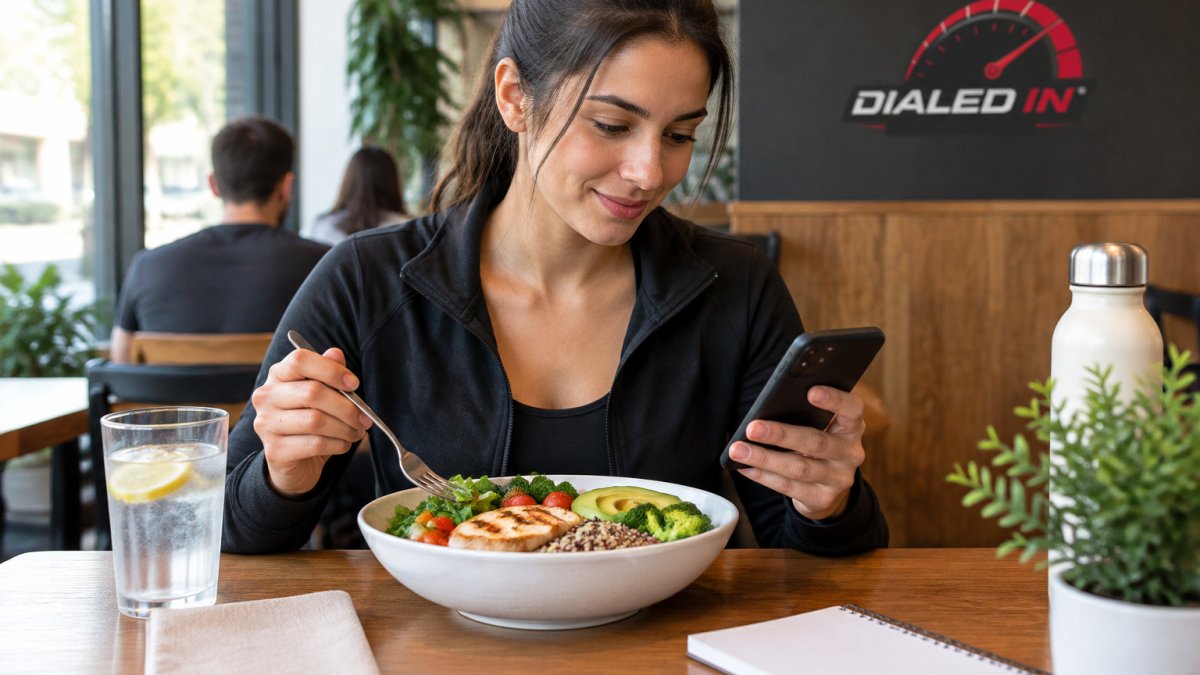
- Photo or scan input instead of manual search only. A single photo of the plate should produce an editable estimate.
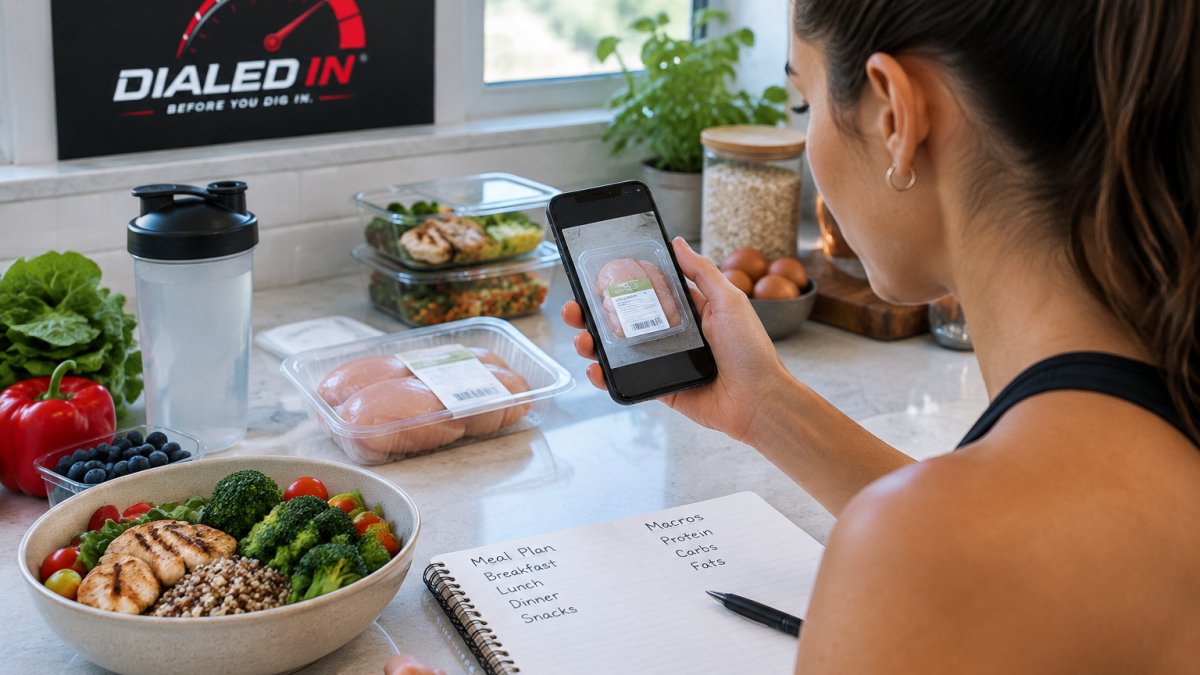
- Barcode scanning for packaged sides, drinks, and grab-and-go items where an exact label exists.
- Saved meals and repeat orders so a dish you order often becomes a one-tap entry.
How the Features Work Together
A no-manual-logging workflow depends on the features reinforcing each other. The photo captures the meal, the estimate is adjusted for one or two components, and the saved entry handles the next visit. Barcode scanning fills the gaps for packaged items. Notes and ranges keep the record honest. An app that offers only one of these, such as photo input without saved meals, still leaves you rebuilding the same entries.
Practical Limits of Photo and AI-Assisted Tracking
Photo-based and AI-assisted tools are useful, but they are not magic. They estimate from what is visible, so they struggle with hidden fats, mixed dishes, and partially eaten plates.
Privacy is part of the trade-off. Photos of meals and menus can reveal location and routine, so check what the app stores and whether an account is required.
Matching the App to Your Tracking Style
Choose based on how much precision you want. If you mainly want consistency, a photo-first tool with saved meals is enough. If you track sodium or allergens closely, prioritize apps with detailed nutrient fields and allergen notes.
A vetted shortlist lives in the best app for restaurant nutrition guide. Dialed In allows you to point your camera at any menu or plate, and it gives real-time recommendations tied to your goal, with no account or manual logging required.
Accuracy Ranges and Uncertainty in Restaurant Estimates
No restaurant estimate is exact. Photo-based and AI-assisted tools give a range, not a precise calorie count. Treat the number as a guide, not a guarantee.
Uncertainty grows with:
- Unknown ingredients in mixed dishes
- Hidden fats in cooking
- Shared meals where you eat only part of a plate
The goal is consistency, not perfection. A steady estimate you actually keep beats a perfect number you abandon. For a closer look at how these tools work, read the AI food scanner accuracy explainer.
Dietary Needs Beyond Calories and Macros
Calories and macros are only part of the picture. Many diners also track sodium, fiber, added sugar, and allergens. Restaurant food tends to run high in sodium, and menu labels rarely flag it clearly.
- Sodium: ask for sauces on the side and skip added salt.
- Fiber: favor vegetables and whole grains where available.
- Allergens: check the allergen chart before ordering.
Frequently Asked Questions
How can I track what I eat at restaurants without logging every ingredient?
Skip ingredient-by-ingredient entry. Instead, capture one photo of the plate, note the main components (protein, starch, vegetables, sauces), and let a photo-based tool or a saved meal entry handle the estimate. For repeat orders, save the meal once so future visits take seconds. The goal is a consistent record you will actually keep, not a perfect one. A single photo plus a quick portion check beats a detailed log you abandon after two weeks.
How do I estimate calories in a restaurant meal when no nutrition information is available?
Break the dish into parts: protein, carbohydrate, vegetables, and fats or sauces. Estimate each portion against a familiar reference, such as a palm-sized piece of meat or a fist-sized scoop of rice. Restaurant portions often run larger than home servings, so lean toward the higher end. Add sauces separately, since dressings and toppings can add significant calories. Treat the result as a range rather than an exact number, and track consistency over accuracy.
Can I track macros when eating out, or is it too imprecise?
You can track macros when eating out, but expect wider margins than home cooking. Focus on protein first, since it is the macro most affected by portion size and the one most people miss. Estimate carbohydrates from visible starches like rice, bread, or pasta, and count fats from sauces, oils, and cheese. Photo-based tools and saved restaurant entries reduce the effort. Aim for a reasonable range across the day rather than hitting exact targets at every meal.
What should I look for in a nutrition tracking app for eating out?
Prioritize speed and low friction: photo capture, saved meals for repeat orders, and a food database that includes chain restaurant menu items. Check whether the app handles missing nutrition data with sensible estimates rather than blanks. If you have dietary needs beyond calories, confirm it flags sodium, fiber, or allergens. Privacy matters too, so review how images are stored and who can access them. Test the app on one restaurant meal before committing.
Eating out does not have to derail your goals, but manual logging rarely survives a busy week. Dialed In removes the spreadsheets and calorie counting by acting as a real-time AI food decision coach: point your camera at any menu, meal, or fridge item, and it returns personalized recommendations for losing fat, building muscle, or maintaining weight, with no account or onboarding required. Get started with Dialed In and make smarter food choices anywhere you eat.