 blog
Automated vs Manual Macro Tracking: Which Actually Works
Last Updated: November 7, 2026
Quick Summary
Manual macro tracking gives complete control and precision but demands daily effort, while automated macro tracking removes friction by estimating portions from photos, barcodes, or voice but introduces estimation error. Automation wins on adherence and manual wins on precision, so a hybrid approach often works best.
- Manual logging fails most often through abandonment, especially when restaurant meals have unknown portions.
- Automated apps run through capture, identification, portion estimation, and user confirmation and correction.
- A 10% underestimate at each meal compounds into a meaningful daily gap.
- Automation suits busy frequent diners; manual suits detail-focused home cooks and physique or clinical goals.
- Switch methods when manual logs go blank three or more days in a row.
Table of Contents
- Automated vs Manual Macro Tracking: The Core Trade-Off
- How Manual Macro Tracking Works in Practice
- What an Automated Macro Tracking App Changes
- AI Food Tracking Accuracy: What It Gets Right and Where It Slips
- Macro Tracking Examples for Meals You Actually Eat
- Macro Tracking Best Practices for Either Method
- Privacy, Cost, and Accessibility: The Hidden Differences
- Find Your Starting Point with Dialed In
- Frequently Asked Questions
Automated vs Manual Macro Tracking: The Core Trade-Off
The pros and cons of automated vs manual macro tracking come down to one tension: control versus consistency. Manual logging gives complete command over every number but demands daily effort.
This guide breaks down both workflows, the real accuracy trade-offs, and when to switch. Macro tracking is the practice of recording the protein, carbohydrates, and fat in everything you eat to hit daily targets.
USDA FoodData Central nutrition database remains the reference point most tracking apps build on, which helps explain why database quality varies so much between tools.
How Manual Macro Tracking Works in Practice
Manual macro tracking means searching a food database, selecting an item, and entering a serving size for every meal and snack. The user does the identifying, measuring, and logging. It is slow, deliberate, and entirely dependent on the person's discipline.
Where Manual Logging Excels
Precision is the headline benefit. A kitchen scale plus a verified database entry produces numbers close to reality. Manual logging also builds food awareness fast: after a few weeks, most people can eyeball a chicken breast or a cup of rice and land within a reasonable range. For body composition goals where protein intake needs to be exact, that control is hard to replace.
Where Manual Logging Breaks Down
The failure mode is abandonment. A common mistake is logging breakfast perfectly for two weeks, then skipping one restaurant meal, then skipping the whole day. Manual logging is time consuming and tedious, and restaurant meals are the weak point because portions are unknown. Watch out: unverified database entries submitted by other users can be off by a wide margin, and selecting the wrong one quietly corrupts the day's totals.
What an Automated Macro Tracking App Changes
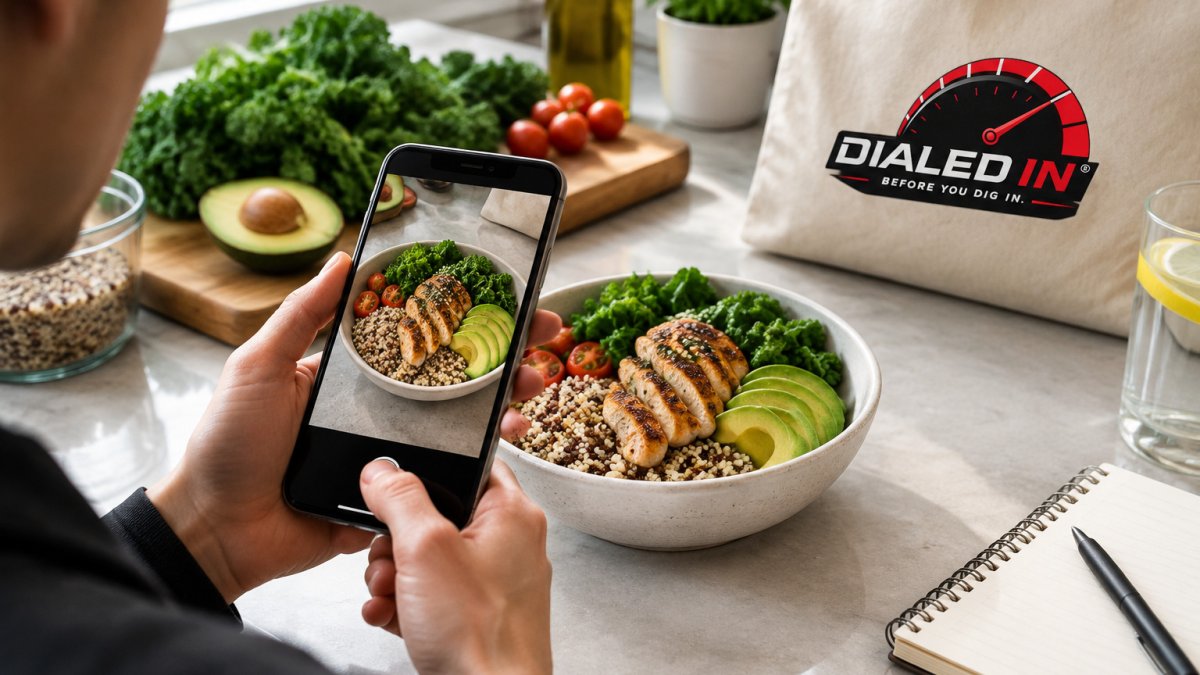
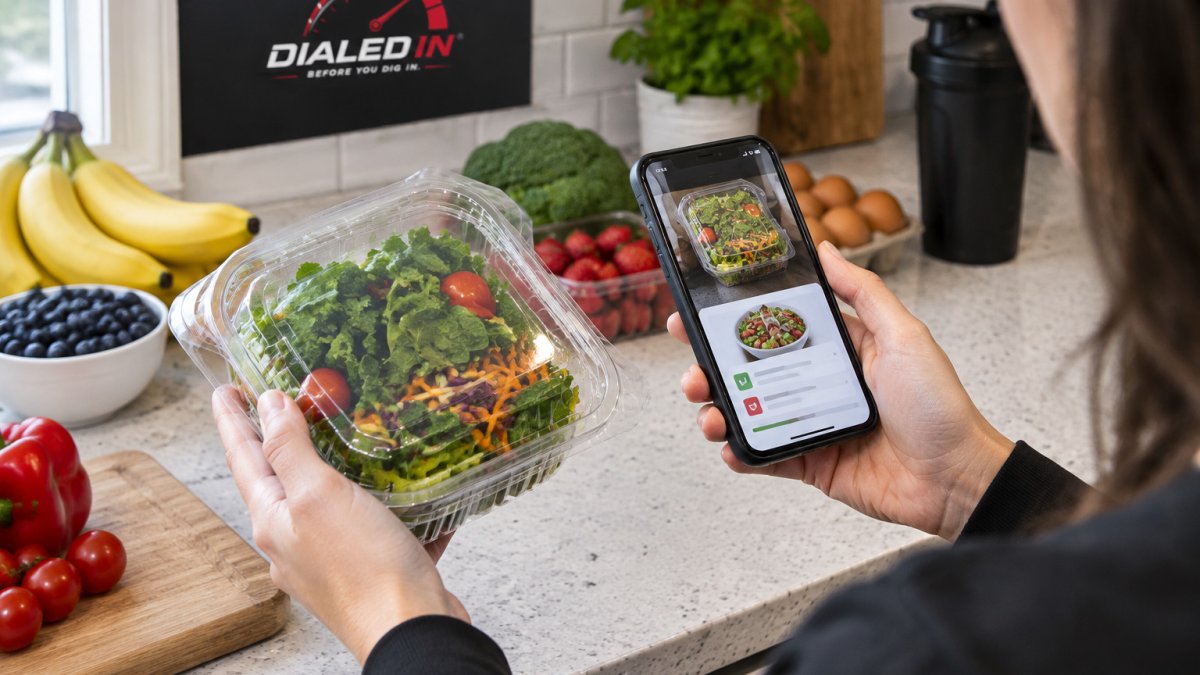
An automated macro tracking app shifts the work from the user to the software. Instead of searching a database and typing a serving size, the user captures the meal, usually with a photo, a barcode scan, or a voice description, and the app returns an estimate of protein, carbohydrates, and fat. The workflow looks simple, but the steps underneath it differ enough between tools that the comparison matters.
The automated workflow, step by step
A typical automated log runs through four stages:
- Capture. The user photographs the plate, scans a package barcode, or speaks a description. Camera-based capture is the fastest but the least precise; barcode capture is the most precise but only works on packaged goods.
- Identification. Computer vision or a language model matches the image or description to food entries in the app's database. This is where mixed dishes and regional recipes start to drift.
- Portion estimation. The app infers serving size from visual cues, package data, or the user's stated quantity. Without a reference object or a scale, this is a guess, sometimes a good one, sometimes not.
- Confirmation and correction. Most apps let the user adjust the estimate before saving. Users who skip this step inherit every error the model made.
Where automation actually earns its keep
Automation wins in three situations. Restaurant meals, which wreck manual logs, become the easiest case rather than the hardest. Packaged snacks and drinks log in seconds. And busy weeks, when manual logging tends to collapse, still produce a usable record because the effort per meal is low.
The trade-off is that the app is guessing at portion size, and guesses compound across a day. A 10% underestimate at breakfast, lunch, and dinner becomes a meaningful gap by evening. Automation wins on adherence; manual wins on precision.
Cost, permissions, and device requirements
Before committing, check three things: what the free tier actually includes, whether the app requires camera and photo-library permissions, and whether it works offline. A camera-first app on a tight data plan or an older phone can be slower than typing a food name.
Watch out: apps that request broad photo-library access to "improve recognition" may be reading images beyond the meal you intended to log. Review the permission scope before granting it.
When automation is the wrong choice
Automation is a poor fit for anyone training for a physique competition, managing a clinical condition that requires precise intake, or cooking mostly from scratch with recipes that never appear in a database. In those cases the estimate is not just imprecise, it is systematically wrong in a direction the user cannot see. For everyone else, the honest framing is that automated tracking is directionally accurate, not lab accurate, and that is usually enough for trend-level decisions.
AI Food Tracking Accuracy: What It Gets Right and Where It Slips
AI food tracking accuracy is strong for single, recognizable items and weaker for mixed dishes, hidden oils, and stacked plates. A banana is easy. A burrito bowl with rice, beans, cheese, and a dressing nobody mentioned is a genuine estimation problem.
Accuracy slips in predictable places:
- Mixed dishes where ingredients are layered or covered by sauce
- Added fats used in cooking that never appear on the plate visually
- Portion size on plates with no reference object
- Regional recipes that vary widely in composition
For a deeper look at the mechanics, see how AI food scanner accuracy actually works. If results feel off, seven steps to improve scanner accuracy covers calibration habits that help.
Macro Tracking Examples for Meals You Actually Eat
Concrete examples show where each method shines. A grilled chicken breast with roasted vegetables and a measured cup of rice is a manual logger's dream: three searchable items, three quick entries, high confidence.
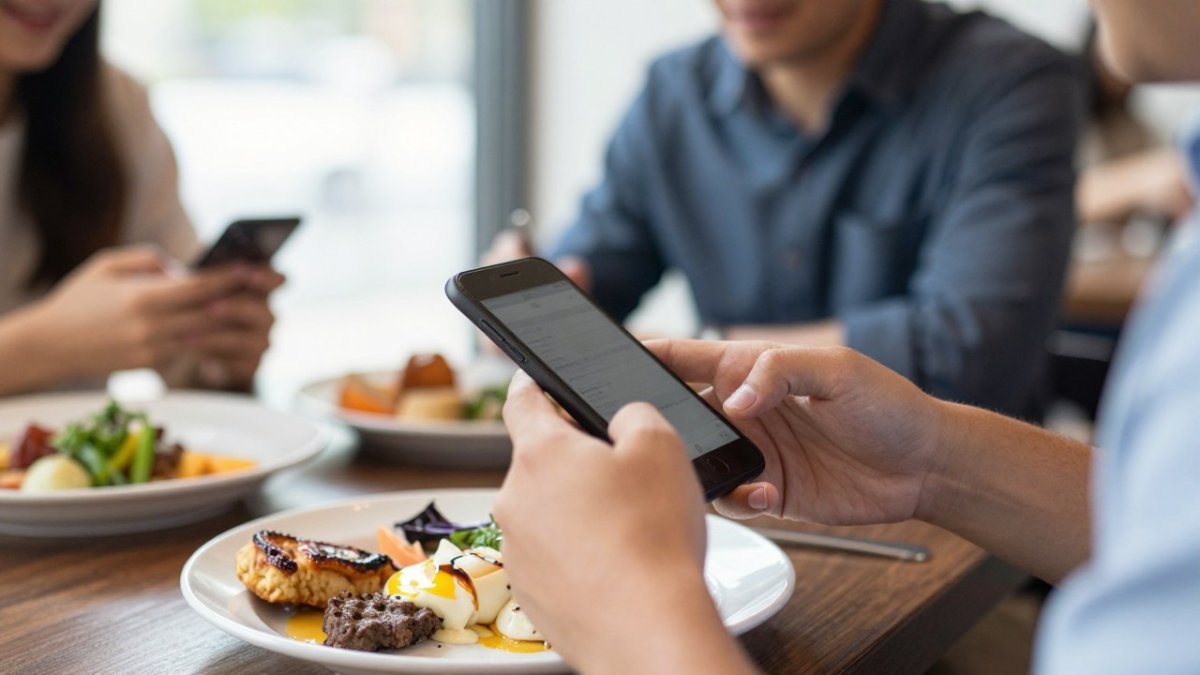
Now try a restaurant burrito. Manual logging means guessing the tortilla size, the rice volume, the cheese, and whether the kitchen used oil.
Breakfast is the reverse case. Two eggs and a slice of toast are fast to log manually and easy to verify.
Macro Tracking Best Practices for Either Method
Best practices hold regardless of method. Weigh food at home when precision matters. Log before eating, not hours later from memory. Review weekly averages rather than obsessing over single days. Keep protein consistent first, then adjust carbohydrates and fat around training.
A common mistake is chasing perfect daily totals while ignoring the weekly trend, which is what actually drives body composition change. For a fuller list, seven macro tracking mistakes that stall progress covers the patterns worth avoiding.
Privacy, Cost, and Accessibility: The Hidden Differences
Most comparisons stop at effort and accuracy. The differences that actually decide whether a method survives six months are privacy, cost, and accessibility, and they cut in different directions for each approach.
Privacy and data ownership
Manual logging keeps food data inside one app the user chose. The exposure is limited to food names, quantities, and timestamps, sensitive if breached, but narrow.
Automated tracking with a camera raises a broader set of questions. AI food tracking privacy explained covers how these apps handle images and data. Where are images stored, and for how long?
A practical checklist before pointing a camera at every meal:
- Read the privacy policy for retention and model-training language.
- Check whether the app offers an on-device or delete-after-processing option.
- Review the permission list in the phone's settings and revoke anything unrelated to logging.
- Prefer apps that let the user export or delete their full history.
Watch out: a free automated app that asks for contacts, location, and photo-library access is usually monetizing something other than the subscription.
Cost and feature limitations
Manual logging works on the free tiers of most major apps, because text search and a food database are cheap to serve.
The real cost comparison is not the subscription price alone. It includes the device requirements (a newer phone with a decent camera), the data plan needed for image uploads, and the time cost of correcting bad estimates. A free manual app plus a kitchen scale can be cheaper over a year than a subscription plus the corrections it demands.
Accessibility and usability
Accessibility cuts both ways, and the right choice depends on the user's constraints rather than on which method is theoretically better.
- Limited time or dexterity. Manual logging is hard for anyone with a physical disability, arthritis, or a schedule that leaves no room for weighing and typing. Automated capture reduces the physical and time burden.
- Low digital confidence. Camera-first apps can feel opaque; users who cannot see why the app chose a portion size may distrust it. Manual logging, while slower, is transparent.
- Visual or motor accessibility needs. Screen-reader support, large touch targets, and voice input vary widely between apps. Check these before committing.
- Inconsistent internet access. Camera recognition usually requires a connection; text search in a downloaded database may work offline.
The comparison at a glance
| Factor | Manual Tracking | Automated Tracking |
|---|---|---|
| Effort per meal | High, several minutes | Low, seconds |
| Accuracy on single items | High | Good |
| Accuracy on mixed dishes | Depends on user guess | Estimated range |
| Restaurant meals | Weak point | Strong point |
| Cost | Often free tier | Subscription-based |
| Privacy exposure | Food text only | Camera images |
| Device requirements | Any phone or paper | Newer phone, data plan |
| Accessibility | Transparent but demanding | Fast but opaque |
| Best for | Detail-focused, home cooks | Busy, frequent diners |
Hybrid tracking and when to switch
The strongest approach for most people is a hybrid: scan packaged foods and restaurant meals automatically, and manually enter home-cooked recipes and simple whole foods where precision is easy. That combination captures the adherence benefit of automation without surrendering accuracy on the meals that matter most.
Switch methods when the current one starts failing. If manual logs go blank for three or more days in a row, automation is the better fit for that season.
Find Your Starting Point with Dialed In
The real question is not which method wins on paper. It is which one survives a Tuesday when work runs late and dinner happens at a restaurant. Manual tracking rewards discipline and punishes busy weeks.
Dialed In takes the automated path further by skipping manual logging.
If macro tracking keeps collapsing under real-life schedules, the fix is fewer decisions, not more discipline.
Frequently Asked Questions
Is automated macro tracking accurate enough to trust?
It depends on the method. Barcode scanning is highly accurate because it pulls from verified label data. Photo-based AI estimates are less precise, especially for mixed dishes, sauces, and restaurant portions, where error can run into the hundreds of calories. Accuracy improves when you confirm the portion size and correct obvious misses. For most people, automated macro tracking is close enough to guide daily decisions, but it should not be treated as a lab measurement.
What are the pros and cons of tracking macros manually?
Manual macro tracking gives you full control and forces you to learn portion sizes and food composition, which builds lasting food awareness. The downsides are time, tedium, and consistency. Every meal becomes a logging task, eating out is guesswork, and the habit often collapses during busy weeks. Manual entry also depends on database accuracy, and unverified entries can skew your daily intake without you noticing.
How much time does automated macro tracking save compared with manual logging?
Manual logging typically takes several minutes per meal once you search, weigh, and enter each item. Automated methods cut that to a quick scan or photo, often under a minute. The bigger saving is decision time: instead of calculating what fits your macro targets before you order, you get a recommendation on the spot. Saved minutes per meal add up to hours per week, which is usually what determines whether the habit survives.
Do you need to track macros every day to reach your goals?
No. Consistency matters more than perfection. Many people do well tracking four to five days a week and applying what they learned on the others. A hybrid approach works well: use an automated macro tracking app when you eat out or cook unfamiliar meals, and rely on portion awareness and habit on routine days. The goal is better food choices, not a perfect log.