 blog
Macro Tracking Tips for Busy Professionals: 7 Simple Habits
Table of Contents
- Why Macro Tracking Fails When Your Calendar Is Full
- How to Track Macros Without Living in a Spreadsheet
- Meal Planning for Macros Around a Packed Workday
- Tracking Macros While Traveling and Eating Out
- Choosing Macro Tracking Apps That Fit Your Schedule
- Accuracy vs. Consistency: The Trade-Off That Decides Your Results
- Common Macro Mistakes Busy Professionals Make
- Frequently Asked Questions
Last Updated: October 19, 2026
Why Macro Tracking Fails When Your Calendar Is Full
Macro tracking is the practice of logging the protein, carbs, and fat in everything you eat so your daily intake matches a target. It works. The problem is the method most people use.
Busy professionals quit macro tracking for one reason: the system demands too much attention. Weighing every ingredient, searching a database for each item, and logging meals in real time adds up to a second job. A packed calendar leaves no room for it.
Below are seven habits that make macro tracking survive a full calendar. They trade perfect data for repeatable routines, which is the only version that lasts.
How to Track Macros Without Living in a Spreadsheet
The fix is to reduce decisions. Every time someone opens an app to log a snack, they make a small choice. Dozens of those choices drain the willpower that should go toward actual work.
A leaner approach front-loads the thinking. Set targets once, log in batches, and let a few repeatable meals carry most of the week. That structure cuts daily logging from twenty minutes to about five.
Set Targets Once, Then Stop Recalculating
New trackers recalculate their macros constantly. They tweak protein after a bad day, then change carbs after a good one. This churn produces no useful signal.
Pick a target range and hold it for two to three weeks. A common starting point for fat loss is roughly 1.6 to 2.2 grams of protein per kilogram of body weight, but a registered dietitian can set a number that fits your training and health history. The USDA Dietary Guidelines for Americans offer a general baseline for calorie and nutrient planning.
Once the target is set, stop touching it. Consistency beats precision here.
Log in Batches, Not in Real Time
Real-time logging is the biggest time sink in macro counting. Batch logging flips the order: plan the day in the morning, or log the whole day at night from memory.
- Pre-log breakfast and lunch the night before
- Add dinner and snacks in one sitting
- Use saved meals for anything eaten weekly
- Skip logging a single bite of a shared appetizer
The goal is a food log that takes one pass, not ten.
Meal Planning for Macros Around a Packed Workday
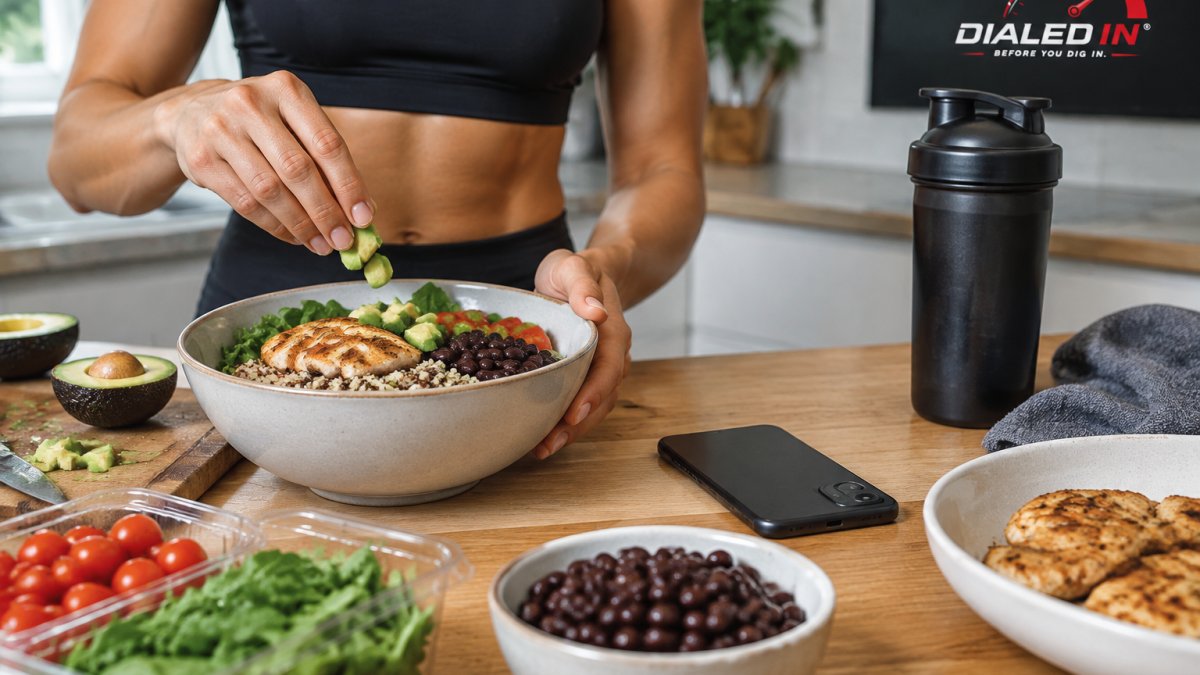
Meal planning for macros means building a small set of staple foods and repeating them, so most meals hit the target without calculation. Planning ahead is the single highest-use habit in macro tracking.
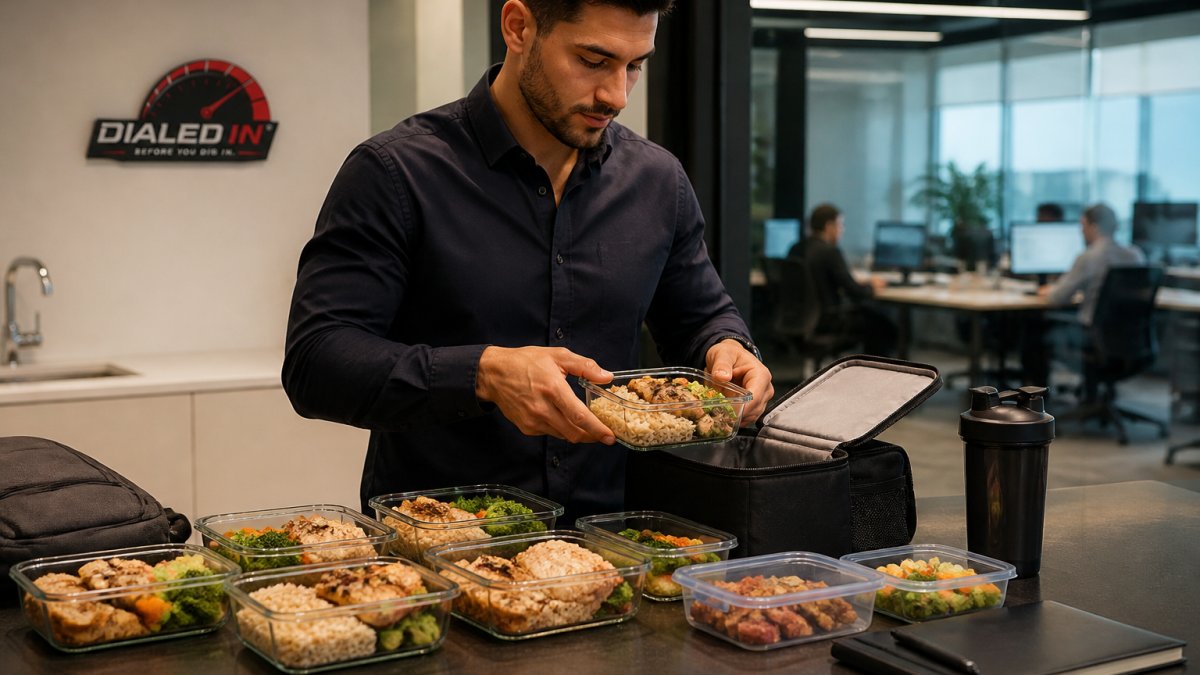
A workable weekly rhythm looks like this:
- Pick two proteins. Chicken thighs and Greek yogurt, for example.
- Pick two carbs. Rice and potatoes cover most meals.
- Pick three vegetables. Buy them pre-cut if time is tight.
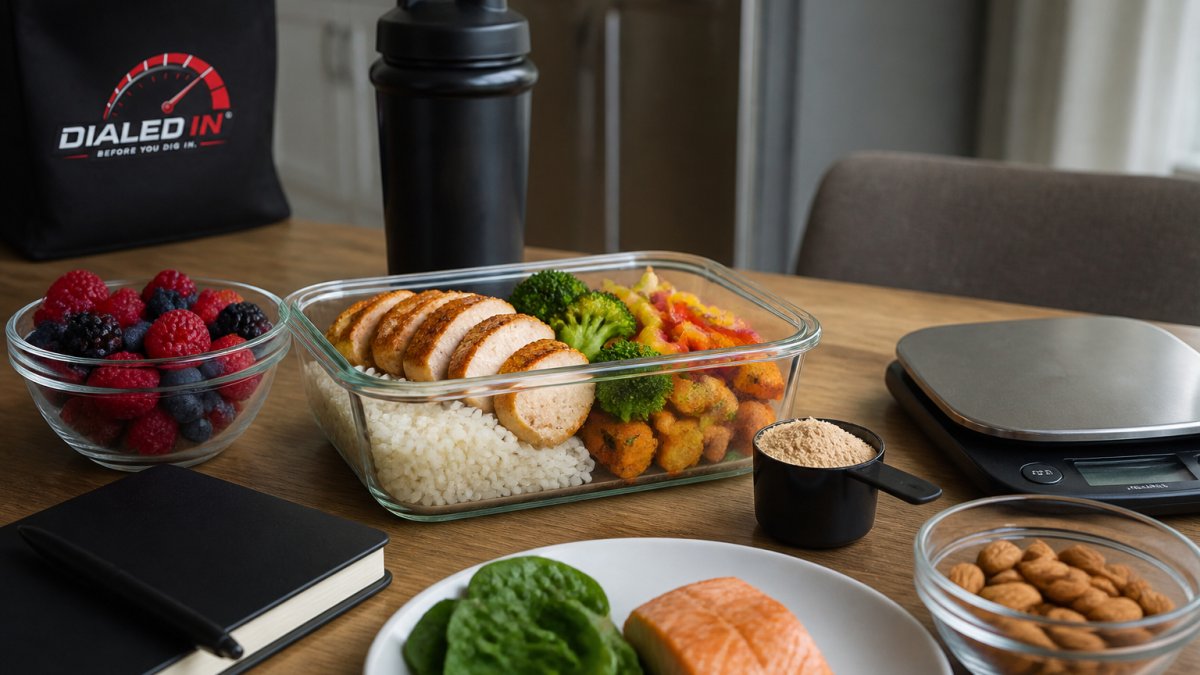
- Cook once, portion twice. Sunday and Wednesday are enough for most people.
- Keep a backup meal. A frozen option or protein shake covers the night everything falls apart.
Portion control gets easier when containers are the same size every week. A food scale helps at first, but after a few weeks most people can eyeball a portion of rice or chicken accurately. Measuring cups work for things like oats and yogurt.
The point isn't a perfect plan. It's a plan that survives a 7 p.m. meeting.
Tracking Macros While Traveling and Eating Out
Tracking macros while traveling comes down to estimation, not precision. Restaurant meals rarely come with a food label, so the goal is a reasonable guess, logged once, then forgotten.
A few habits make eating out manageable:
- Order protein first. Grilled chicken, fish, steak, or eggs anchor the meal.
- Ask for sauces and dressings on the side. This alone cuts a lot of hidden fat.
- Estimate the plate, don't dissect it. Palm-size protein, fist-size carbs, thumb-size fat.
- Pre-log the restaurant meal before you arrive. You walk in with a target instead of a guess.
- Treat travel days as a range, not a bullseye. Staying within a broad band is a win.
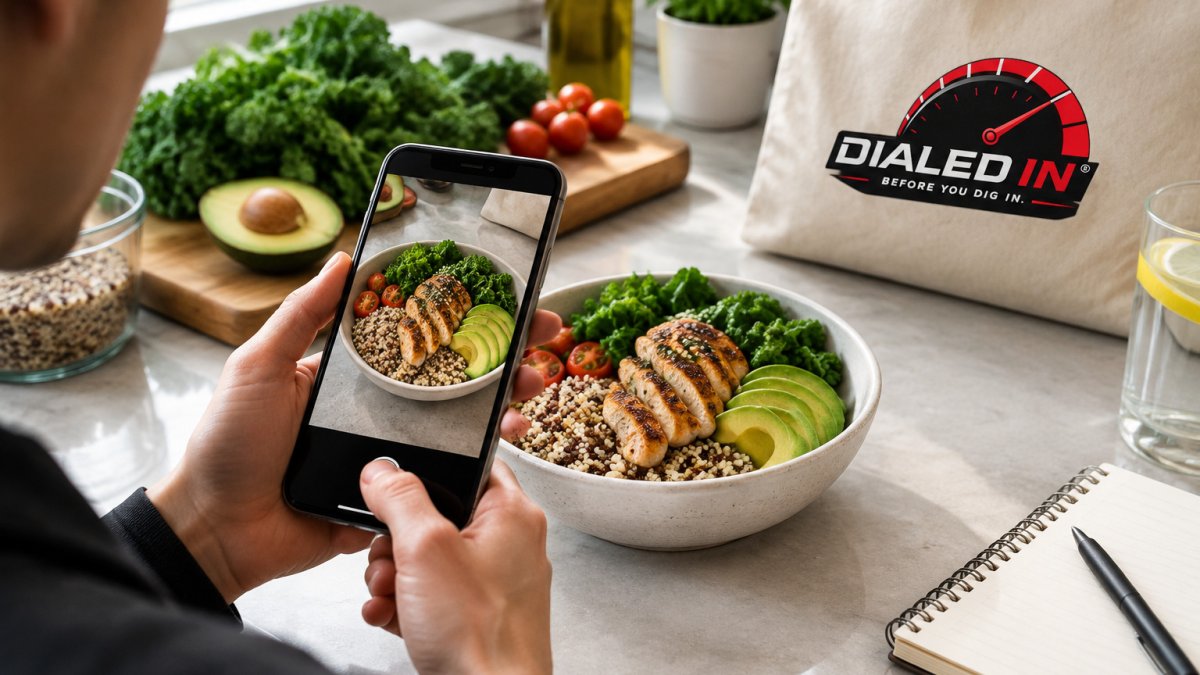
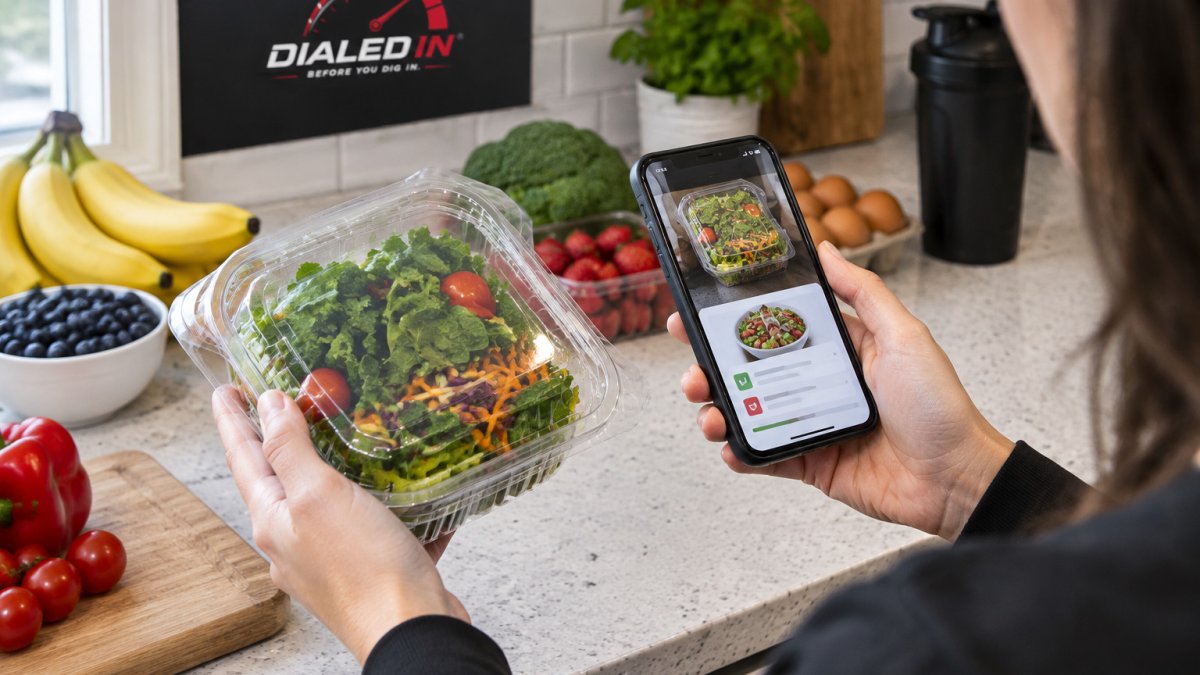
This is where a camera-based tool earns its place. Pointing a phone at a menu or a plate and getting a real-time recommendation removes the mental math that derails a business dinner. It offers no manual logging, no database search, just a decision in the few seconds before you order.
Choosing Macro Tracking Apps That Fit Your Schedule
The best macro tracking app is the one that matches how much time you actually have, not the one with the longest feature list. Most people over-buy and under-use.
Start with time cost. Time the first useful log, not the onboarding tour.
| Approach | Realistic Time Per Day | Best For | Trade-off |
|---|---|---|---|
| Full database logging | 15-25 min | People who cook most meals | Highest accuracy, highest effort |
| Saved meals and templates | 5-10 min | Repeat eaters, office routines | Less variety in the log |
| Camera-based coaching | Under 2 min | Frequent diners, travelers | Estimates, not gram-level data |
| No tracking, portion rules | Near zero | Maintenance, habit rebuilds | Least precise |
Those time bands are estimates from common usage patterns, not lab measurements. Treat them as a starting hypothesis and adjust after a week of real use.
Privacy is the second filter, and it matters more than most people expect. Any app that asks for camera access, location, or health data should explain its data handling in plain language.
Cost is the third filter. Free calorie-counting apps exist, but they usually push the manual work back onto the user. Paid tools should earn their fee by cutting time, not by adding features you will never open.
A practical selection workflow:
- List your three most common eating scenarios. Office lunch, client dinner, airport meal, for example.
- Test each candidate on those scenarios only. Ignore features you will not use.
- Check the privacy policy for camera and health data handling. If it is unclear, move on.
- Run a one-week trial and count days logged, not features used.
- Pick the tool that made the busiest day easiest, not the one with the best demo.
The point is to pick a tool whose defaults match your schedule, then stop shopping and start logging.
Accuracy vs. Consistency: The Trade-Off That Decides Your Results
Consistency wins over accuracy in almost every real-world case. A log that is 80% accurate and filled in every day tells you far more than a perfect log kept for nine days. But "be consistent" is advice, not a system.
The math is simple. Small, steady errors average out over a month. Missed days do not. Someone who logs roughly right for thirty days can spot patterns, adjust portions, and see progress.
A workable review cadence looks like this:
- Daily (under two minutes): Confirm the day is logged, even roughly. Do not adjust targets.
- Weekly (ten minutes): Count days logged out of seven. Note hunger, energy, and any meals that were hard to estimate. Do not change targets yet.
- Biweekly (fifteen minutes): Compare average intake to your target range. If you are consistently outside the range by a wide margin, adjust portions, not the target.
- Monthly (twenty minutes): Review weight, measurements, or performance trend. Only now decide whether the target itself needs to change.
That cadence prevents the two failure modes: recalculating targets every few days (noise) and never reviewing at all (drift).
When should you tighten precision? Use a simple decision rule. If your log is consistent for two weeks and progress has stalled, add precision to the one meal that is hardest to estimate, usually dinner or eating out.
A common pattern among busy professionals is to start with estimates for restaurant and travel meals, then tighten only the meals they eat at home. That split gives most of the accuracy benefit for a fraction of the time cost.
Common Macro Mistakes Busy Professionals Make
Most macro mistakes are workflow mistakes, not knowledge gaps. People know what protein is. They just build a system that collapses under a busy week.
- Recalculating targets every few days. Pick a range and hold it for weeks.
- Logging only "good" days. The missed days are the data you need most.
- Ignoring drinks and small bites. A daily latte or handful of office candy adds up quietly.
- Chasing protein only at dinner. Spread it across meals so the goal is reachable.
- Treating restaurant meals as unloggable. Estimate, log, move on.
- Buying an app before fixing the routine. No tool saves a workflow that doesn't exist.
A common mistake is trying to fix everything in week one. Start with batch logging and saved meals. Add travel and restaurant habits once the basics feel automatic.
The CDC's guidance on healthy eating for weight management reinforces the same idea: sustainable habits beat short, intense efforts.
Busy schedules don't have to end macro tracking. They just demand a leaner version of it. Set targets once, log in batches, plan meals around staple foods, and estimate restaurant meals instead of avoiding them.
Dialed In was built for the moments when logging isn't realistic. Point your camera at a menu, a plate, or your fridge, and get a recommendation tied to your goals in seconds. No account, no manual entry, no spreadsheet. Claim your founder spot and make the next food decision the easy one.
Frequently Asked Questions
What is the best way to keep track of macros when I'm busy?
Log in batches instead of meal by meal. Enter your breakfast and lunch together in the morning, then update dinner once. Save your regular meals as favorites so repeat days take under a minute. Weigh food when you cook at home so your numbers stay honest, and use portion estimates when you eat out. The goal is a repeatable five-minute routine, not a perfect log. Consistency across the week matters more than precision on any single day.
How do you track macros when eating at restaurants?
Order dishes built around a clear protein source, ask for sauces and dressings on the side, and estimate portions using your hand: a palm for protein, a fist for carbs, a thumb for fats. Log the meal right after you order so it doesn't get skipped. If the menu is unclear, pick grilled over fried and skip the bread basket. One estimated meal won't derail a week of solid tracking, so don't let uncertainty push you to stop logging.
How can you hit your macros without meal prepping every day?
Keep staple foods on hand that cover each macro: rotisserie chicken or Greek yogurt for protein, rice or tortillas for carbs, olive oil or nuts for fats. Build meals from those staples and adjust portions to fill gaps in your day. Saved meals in your tracking app cut logging time, and a quick scan of your remaining macros tells you what to add at dinner. Meal planning for macros doesn't require Sunday-long prep sessions.
Is a 40-40-20 macro split good for busy professionals?
A 40-40-20 split (40% carbs, 40% protein, 20% fat) can work, but it isn't universal. Busy professionals who train often do well with higher protein, roughly 0.7 to 1 gram per pound of body weight, and carbs placed around workouts. The best ratio is the one you can hit consistently with your schedule and food preferences. Set a target range rather than a single number, and adjust every few weeks based on progress.